
Summary
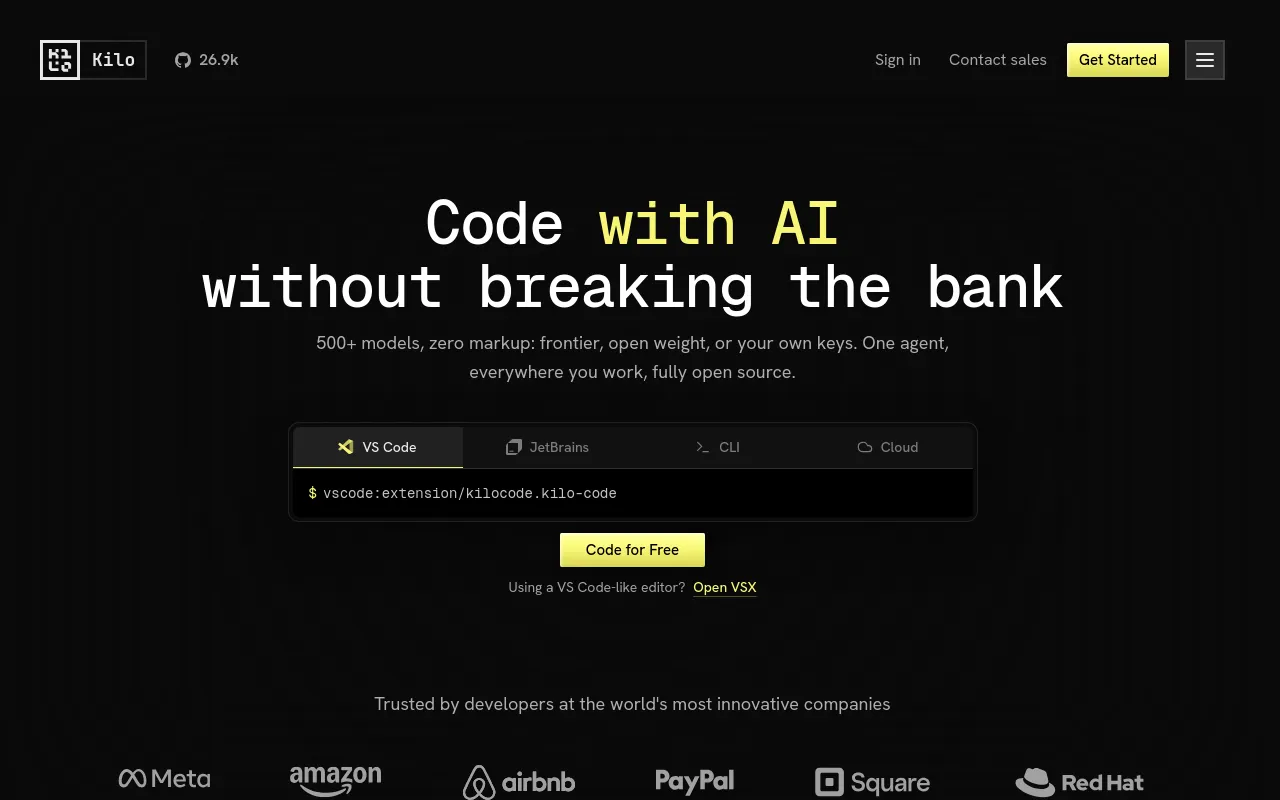
Kilo Code is an MIT-licensed AI coding agent that runs in VS Code, JetBrains IDEs, the terminal, Slack and isolated cloud containers. It routes work to hundreds of hosted models, your own provider keys, or local models through Ollama and LM Studio.
- Not for
- Teams that need one predictable monthly bill: Kilo's total cost is a platform plan plus separate, usage-driven inference spend, so it takes more budgeting than a flat-fee competitor.
- From
- Freethen $15/month
- Free tier
- YesThe VS Code extension, JetBrains plugin and CLI are free and open source with no card required; inference is separate and can be free models, local models or your own keys. A 14-day Enterprise trial sits on top of the free tier.
What it does
- Writes code
- YesAuthors and refactors code from a prompt across VS Code, JetBrains and the terminal.
Kilo Code is an open source AI coding agent that runs inside VS Code, JetBrains IDEs, and your terminal. It writes, debugs, refactors, and reviews…
kilo.ai - Debugs and fixes
- YesDebug mode reads errors, traces the issue and proposes the fix.
Debug Mode. Identify and fix bugs fast with an agent that reads errors, traces issues, and suggests fixes.
kilo.ai - Writes tests
- YesTest writing is named as part of the SDLC coverage Kilo sells to enterprises.
Full SDLC — code review, refactoring, test writing, docs, and more
kilo.ai/enterprise - Reviews code
- YesKilo Code Reviewer analyses pull requests and comments in the PR.
Kilo Code Reviewer analyzes your pull requests using AI models of your choice. It understands your codebase context, identifies issues, and provides…
kilo.ai/code-reviewer - Whole-codebase work
- YesIndexes the repository and runs multi-step repo-wide work such as migrations.
Kilo automatically indexes your repository, pulls in the most relevant files and symbols for every prompt, and uses ripgrep-powered search, AST-aware…
kilo.ai - Ships it
- PartlyCloud Agents commit and push to a session branch and raise pull requests; the vendor names deployments only in a comparison claim, and documents no deploy pipeline.
After every message, the agent commits and pushes your changes to the session branch on GitHub or GitLab.
kilo.ai/cloud - Done-for-you service
- NoYou run the software; the only people-delivered element is enterprise onboarding.
High-touch onboarding: Speed Run embeds a Kilo engineer with your team
kilo.ai/enterprise
How much it does unattended
- Runs autonomously
- YesCloud Agents run long tasks unattended in isolated containers and open PRs.
Cloud Agents run Kilo inside isolated cloud containers connected to your GitHub or GitLab repo, so long-running tasks like migrations, refactors, or…
kilo.ai - Multi-agent
- YesOrchestrator mode coordinates other modes; the CLI and JetBrains plugin run parallel agents in isolated worktrees.
Start multiple specialized agents, monitor their progress side by side, and keep long-running coding tasks moving without opening extra tools.
kilo.ai/cli - Agent permissions
- PartlyAuto-approve exists, but the OS-level sandbox that bounds it is experimental and Linux/macOS only.
Agent sandboxing adds operating-system-level file system and network restrictions for safer auto-approve workflows. It is experimental, available on…
kilo.ai/enterprise
Which models it runs on
- Claude
- YesClaude models are in the hosted catalogue and available via an Anthropic BYOK key.
Kilo gives you access to 500+ AI models through one unified interface, including Claude Sonnet 5, Claude Opus 4.8, GPT-5.5, Gemini 3.1 Pro Preview,…
kilo.ai - GPT
- YesGPT models are in the hosted catalogue and available via an OpenAI BYOK key.
You can bring your own API keys for OpenAI, Anthropic, Google, Groq, and any OpenAI-compatible provider, and pay those providers directly at list…
kilo.ai - Open models
- YesOpen-weight hosted models plus fully local models through Ollama or LM Studio.
You can also bring your own API keys for any provider, or run fully local models through Ollama or LM Studio when you need to keep code on your…
kilo.ai - Model choice
- YesYou pick the model; Auto Model routing is optional and never silently substitutes.
Yes. Auto Model is a default routing option, not a lock-in. You can still pick a specific hosted model, use BYOK provider keys, or run local models…
kilo.ai/auto-model
Where you use it
- In your editor
- YesVS Code and every VS Code-based editor, plus all JetBrains IDEs.
Kilo Code runs in VS Code and every VS Code-based editor (including Cursor forks and Windsurf), in all JetBrains IDEs (IntelliJ IDEA, PyCharm,…
kilo.ai - On the command line
- YesStandalone CLI installed from npm, with sandboxed auto mode.
Run kilo in any directory and start coding with AI assistance.
kilo.ai/cli - In your pipeline
- YesReviews can fire automatically on PR creation, and Cloud Agent sessions can be started by webhook.
Kilo Code Reviewer integrates with GitHub, GitLab, and Bitbucket (coming soon). You can trigger reviews automatically on PR creation or manually when…
kilo.ai/code-reviewer - In a browser
- YesCloud Agents are driven from a browser dashboard, and there is a Slack surface.
You can kick them off from the IDE, CLI, Slack, or a web dashboard, review their output as pull requests, and resume the exact same session locally…
kilo.ai
Whose machine it runs on
- Self-hosted
- PartlyThe MIT clients can be forked and self-hosted and inference can be fully local, but Gateway, Cloud Agents and team administration are Kilo-hosted.
Hosted services such as Kilo Gateway, Cloud Agents, and team administration add managed infrastructure and enterprise controls.
kilo.ai - Open source
- YesVS Code extension, JetBrains plugin and CLI are MIT; the Gateway and Cloud backend are source available rather than MIT.
Yes. Kilo's VS Code extension, JetBrains plugin, and CLI are open source under the MIT license. Kilo's Gateway and Cloud backend are published…
kilo.ai/open
What it costs to run
- How it meters
- YesThree meters: per seat for the platform plan, provider token rates for inference, per second for cloud compute.
Kilo separates platform access, AI inference, and cloud compute so you only pay for what you use and need.
kilo.ai/pricing - Free tier
- YesThe agent is free and needs no card; free and local models can carry the inference.
No. You can download Kilo Code and start coding with AI immediately using free models, local models (Ollama, LM Studio), or your own API keys.
kilo.ai/pricing - API access
- PartlyCloud Agent sessions can be launched by HTTP webhook and usage data has documented OpenAPI endpoints; no public API for driving the agent itself is documented.
Webhook triggers allow you to initiate Cloud Agent sessions via HTTP requests. You can reference request data in prompt templates using placeholders…
kilo.ai/cloud - MCP server
- YesFirst-class MCP client with a marketplace and private org servers.
Yes. Kilo is a first-class MCP client: you can connect any MCP server to expose custom tools, APIs, docs, or internal services to the agent.
kilo.ai - Bring your own key
- YesOwn provider keys at list price, shared org keys on Teams, or fully local inference.
Bring your own Anthropic, OpenAI, Google, Azure, AWS Bedrock, or other provider keys
kilo.ai/pricing
Buying it for a team
- A company can buy it
- YesTeams is self-serve per seat; Enterprise is a custom contract through sales.
Yes. Teams is self-serve, and Enterprise is a custom contract you arrange with sales.
kilo.ai/teams - Seat model
- PartlyFlat $15 per user per month with Owner and Member roles; no seat floor or ceiling is published.
The Teams platform plan is $15/user/month. AI model usage is billed separately at provider rates with no inference markup
kilo.ai/teams - Pooled budget
- YesTeams share one Gateway balance and shared BYOK keys; Enterprise adds sub-org budgets and per-user limits.
Teams adds centralized billing, a shared Kilo Gateway balance, shared BYOK keys, usage analytics and reporting
kilo.ai/teams - Admin controls
- PartlyTeams gets data-privacy controls on models and providers; allowlists, RBAC and policy enforcement are Enterprise.
Yes. Enterprise admins can configure provider and model controls, shared BYOK routes, data policy filters, provider location filters, and…
kilo.ai/enterprise - Audit log
- PartlyAudit logs are an Enterprise feature, absent from Free and Teams.
Enterprise adds governance and security review: SSO/SAML, OIDC, SCIM provisioning, RBAC, audit logs, provider and model allowlists
kilo.ai/teams - Single sign-on
- PartlySAML, OIDC and SCIM provisioning are Enterprise-only.
SSO/SAML, SCIM provisioning, OIDC, and RBAC keep access governed as teams and subsidiaries scale.
kilo.ai/enterprise
What happens to your code
- Opt out of training
- YesKilo states it never trains on your code and does not retain prompts for its own purposes; local models keep code on the machine.
Kilo does not train on your code or prompts and does not retain them for its own purposes. Inference is sent to the provider your organization…
kilo.ai/teams - Data residency
- PartlyEU residency is an Enterprise-scoped contractual configuration, not a switch, and depends on the providers chosen.
Enterprise customers can scope a contractually backed EU data residency configuration. The exact commitment depends on the Kilo products, cloud…
kilo.ai/eu - Getting out
- PartlyUsage data has documented export endpoints and credit purchases can be refunded (the 5% fee is not); the site states nothing about credits expiring.
The processing fee is non-refundable, including when the associated credit purchase is refunded.
kilo.ai/pricing - Certifications
- PartlySOC 2 Type II is claimed with the report available through the Trust Center; no ISO 27001 or GDPR certification claim appears on the site.
teams get enterprise controls including SSO, audit logs, SOC 2 Type II certification, and data-residency controls
kilo.ai
35 sourced claims on this page. Checked 2026-09-02. How we check.
Filed under
Sources and updates
Pages we read on kilo.ai17
Every fact below comes from the vendor. Nothing here is independently corroborated yet.
- /18 fields
- /enterprise11 fields
- /pricing8 fields
- /teams8 fields
- /features5 fields
- /cloud4 fields
- /docs/code-with-ai/platforms/cli3 fields
- /openclaw/production-guide3 fields
- /cli2 fields
- /code-reviewer2 fields
- /eu2 fields
- /pricing/kilo-pass2 fields
- /auto-model1 field
- /docs/code-with-ai/agents/using-agents1 field
- /docs/contributing/features1 field
- /docs/getting-started/settings/auto-approving-actions1 field
- /open1 field
Coverage elsewhere2
Updates4
- Capabilities · Commercial terms · Free tier · Price
- Capabilities · Commercial terms · Free tier · Links · Price
- Capabilities · Commercial terms · Lifecycle · Lifecycle evidence url · Links
- Created · One-liner · Summary