
The facts, with their sources
What it does
- Writes code
- YesAuthors new code from a description and from multimodal input, with a write_file tool that creates files after you confirm the change.
Generate new apps from PDFs, images, or sketches using multimodal capabilities
github.com/google-gemini/gemini-cli - Debugs and fixes
- YesThe vendor names debugging and troubleshooting as a core use, and the agent can edit files and run shell commands to land a fix after confirmation.
Debug issues and troubleshoot with natural language
github.com/google-gemini/gemini-cli - Whole-codebase work
- YesBuilt for repository-wide work: the vendor claims querying and editing large codebases, and a built-in codebase_investigator subagent maps dependencies across the repo.
Query and edit large codebases
github.com/google-gemini/gemini-cli - Ships it
- PartlyIt does not deploy as a product feature; it executes arbitrary shell commands, so a release runs through your own scripts and each mutating call needs manual confirmation.
Executes arbitrary shell commands. Supports interactive sessions and background processes. Requires manual confirmation.
geminicli.com/docs/reference/tools - Done-for-you service
- NoNo people-delivered service: this is software you install yourself from npm, Homebrew or MacPorts and run on your own machine.
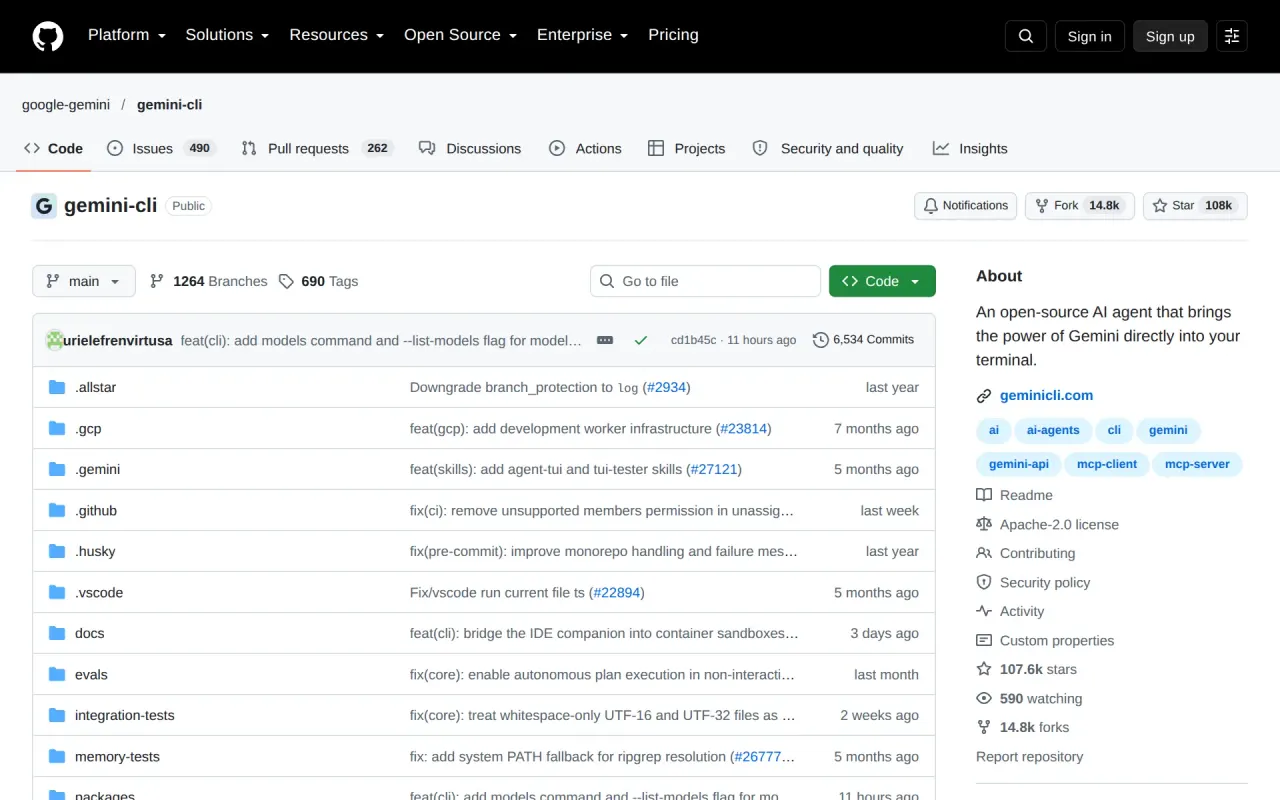
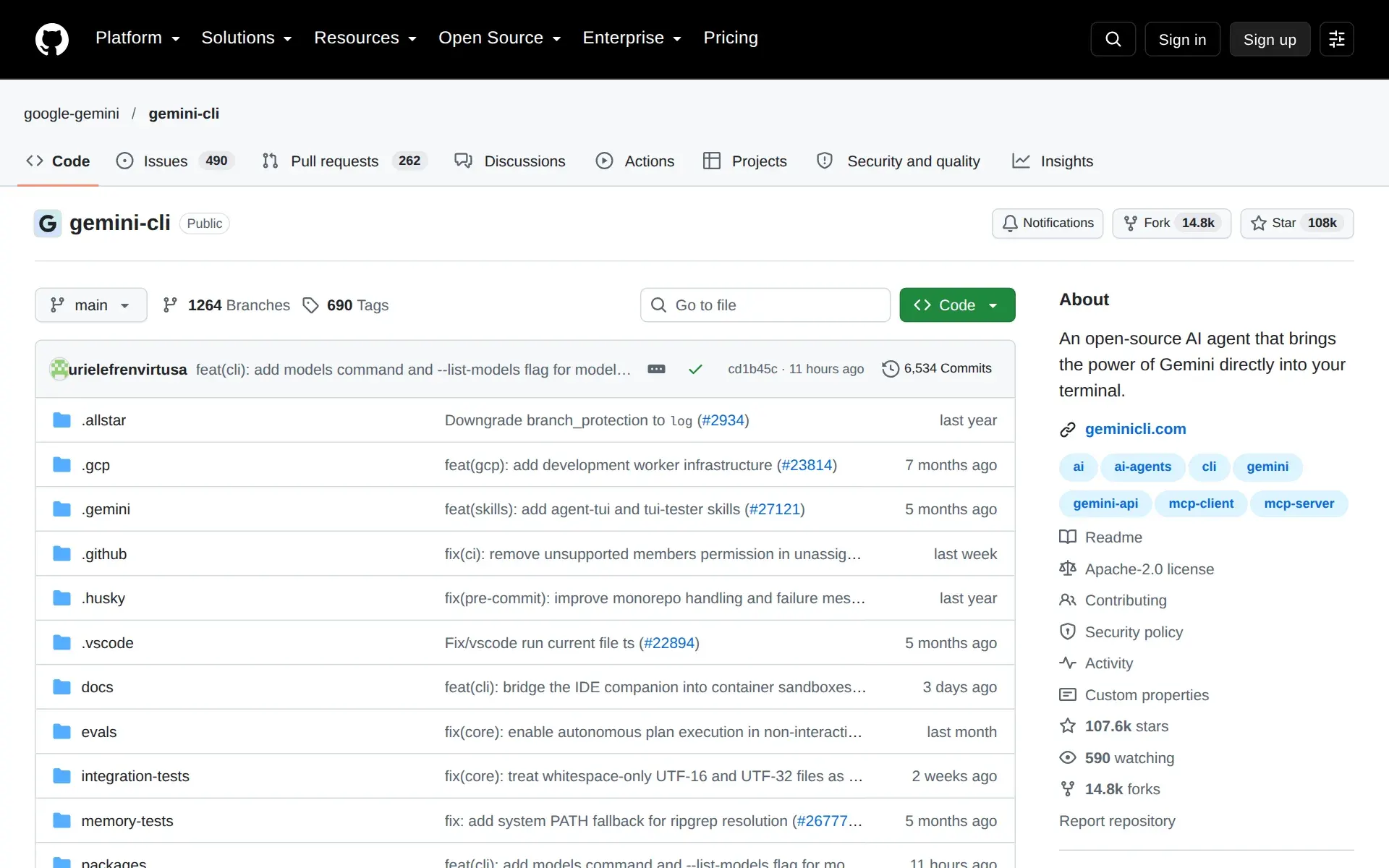
Gemini CLI is an open-source AI agent that brings the power of Gemini directly into your terminal.
github.com/google-gemini/gemini-cli
How much it does unattended
- Runs autonomously
- PartlyDefault mode asks before any write or shell call; a yolo approval mode auto-approves every tool, and in non-interactive runs an ask_user decision is treated as a denial.
yolo: A mode where all tools are auto-approved (use with extreme caution).
geminicli.com/docs/reference/policy-eng… - Multi-agent
- YesSeveral specialist subagents run inside one session with their own context and tools; the main agent delegates to them automatically or via @name, and remote subagents are flagged experimental.
Subagents are specialized agents that operate within your main Gemini CLI session.
geminicli.com/docs/core/subagents - Agent permissions
- YesA rule-based policy engine decides per tool call whether to allow, deny or ask the user, with priority tiers running from built-in defaults up to administrator rules.
It allows users and administrators to define rules that determine whether a tool call should be allowed, denied, or require user confirmation.
geminicli.com/docs/reference/policy-eng…
Which models it runs on
- Claude
- NoThe model picker enumerates only Gemini options and every supported authentication path is a Google inference service, so Anthropic's models are not among the choices.geminicli.com/docs/cli/model
- GPT
- NoThe /model dialog lists Gemini 3 and Gemini 2.5 families only, and authentication is limited to Gemini Code Assist, the Gemini Developer API and Vertex AI, so OpenAI models cannot be selected.
Supported authentication methods include: Logging in with your Google account to Gemini Code Assist. Using an API key with Gemini Developer API.…
geminicli.com/docs/resources/tos-privacy - Gemini
- YesGemini is the only model family: you pick Auto for Gemini 3 or 2.5, or select a specific Pro, Flash or Flash-Lite model manually.
Select your Gemini CLI model. The /model command lets you configure the model used by Gemini CLI, giving you more control over your results.
geminicli.com/docs/cli/model - Open models
- NoNo open-weight option: the model dialog offers Gemini models only and all three documented authentication paths are hosted Google services.geminicli.com/docs/resources/tos-privacy
- Model choice
- PartlyYou choose the model, but only within Gemini: Auto routing is recommended, Manual exposes specific Gemini Pro and Flash models, and no third-party family appears.
We recommend selecting one of the above Auto options. However, you can select Manual to select a specific model from those available.
geminicli.com/docs/cli/model
Where you use it
- In your editor
- YesA VS Code companion extension supplies open-file context and native diff review, and the Agent Client Protocol registry carries it into JetBrains IDEs and Zed.
The Gemini CLI Companion extension grants Gemini CLI direct access to your VS Code compatible IDEs and improves your experience by providing…
geminicli.com/docs/ide-integration - On the command line
- YesThe terminal is the primary surface: an interactive TUI started with the gemini command, installed globally through npm, Homebrew, MacPorts or run via npx.
Gemini CLI brings the power of Gemini models directly into your terminal. Use it to understand code, automate tasks, and build workflows with your…
geminicli.com/docs - In your pipeline
- PartlyHeadless mode gives scripts a JSON or streaming-JSON interface with documented exit codes, but confirmation prompts become denials when non-interactive, so unattended CI needs explicit policy rules.
Headless mode provides a programmatic interface to Gemini CLI, returning structured text or JSON output without an interactive terminal UI.
geminicli.com/docs/cli/headless
Whose machine it runs on
- Self-hosted
- YesThe agent itself runs entirely on your own machine or container: install it from npm or Homebrew, and tool execution can be isolated in a sandbox or Docker.
npm install -g @google/gemini-cli
geminicli.com/docs - Open source
- YesSource is public on GitHub under Apache 2.0, and the vendor invites code contributions and community extensions.
We welcome contributions! Gemini CLI is fully open source (Apache 2.0), and we encourage the community to:
github.com/google-gemini/gemini-cli - Licence
- Yesopen source: the CLI is licensed Apache 2.0, which permits commercial redistribution, while use of the Google services it calls is governed separately by each service's terms.
Gemini CLI software is licensed under the Apache 2.0 license. When you use Gemini CLI to access or use Google's services, the Terms of Service and…
geminicli.com/docs/resources/tos-privacy - Open-source runtime
- PartlyThe binary is yours to run offline of any vendor account, but every model call needs a Google credential: an OAuth login, a Gemini API key or Vertex AI.
Your authentication method refers to the method you use to log into and access Google's services with Gemini CLI.
geminicli.com/docs/resources/tos-privacy - Runs in your cloud
- PartlyInference can run in your own Google Cloud project through Vertex AI with its own quota and billing, but no other cloud is offered as a backend.
An enterprise-grade platform for building, deploying, and managing AI models, including Gemini. It offers enhanced security, data governance, and…
geminicli.com/docs/resources/quota-and-…
Building with it
- Tracing and evals
- YesBuilt-in OpenTelemetry emits logs, metrics and traces for each run, exportable to any OTLP backend or straight to Google Cloud Trace, Monitoring and Logging; it is off by default.
Gemini CLI provides built-in support for OpenTelemetry, transforming every agent interaction into a rich stream of logs, metrics, and traces.
geminicli.com/docs/cli/telemetry
What it costs to run
- How it meters
- YesTwo models run side by side: fixed-price subscriptions metered as model requests per user per day, or pay-as-you-go billed per token through an API key or Vertex AI.
It's important to highlight that when using an API key, you pay per token/call.
geminicli.com/docs/resources/quota-and-… - Cost of one job
- PartlyOn the cheapest route a developer-day costs nothing but is capped at 1,000 model requests when you sign in with Google, or 250 on a free Gemini API key; no per-task price is published.
1000 maximum model requests / user / day
geminicli.com/docs/resources/quota-and-… - Free credit
- Yes90 free requests, once, at signup.
90 days before you need to enable billing.
geminicli.com/docs/resources/quota-and-… - Free tier
- YesNo sales call: install the package, sign in with a Google account and the free tier starts immediately, or use a free-tier Gemini API key instead.
Gemini CLI offers a generous free tier that covers many individual developers' use cases.
geminicli.com/docs/resources/quota-and-… - API access
- YesHeadless mode is the programmatic path: drive the agent with -p from your own stack and parse single-object JSON or newline-delimited event streams, with documented exit codes.
Headless mode is triggered when the CLI is run in a non-TTY environment or when providing a query with the -p (or --prompt) flag.
geminicli.com/docs/cli/headless - Bring your own key
- YesYou can supply your own inference credentials: a Gemini API key from AI Studio, or Google Cloud credentials and a project for Vertex AI, set through environment variables.
Ideal for developers who want to quickly build applications with the Gemini models. This is the most direct way to use the models.
geminicli.com/docs/resources/quota-and-…
Buying it for a team
- A company can buy it
- YesAn organisation can buy it as licensed seats: Gemini Code Assist Standard or Enterprise through Google Cloud, or Workspace AI Ultra on a Workspace account.
Quotas and pricing are based on a fixed price subscription with assigned license seats.
geminicli.com/docs/resources/quota-and-… - Seat model
- PartlyOrganisation buying is per assigned licence seat with a per-user daily request ceiling of 1,500 on Standard and 2,000 on Enterprise; no seat minimum or seat price is published here.
Gemini Code Assist Standard edition: 1500 maximum model requests / user / day
geminicli.com/docs/resources/quota-and-… - Pooled budget
- PartlySubscription quota is per user per day rather than a shared pot, while the pay-as-you-go Vertex path draws on project-level dynamic shared quota instead.
Quota: Governed by a dynamic shared quota system or pre-purchased provisioned throughput.
geminicli.com/docs/resources/quota-and-… - Admin controls
- YesAdministrators constrain the agent through machine-wide settings files that override user and workspace settings, plus an Admin policy tier that outranks user rules on every tool call.
These files allow you to define a baseline configuration (system-defaults.json) and a set of overrides (settings.json) that apply to all users on a…
geminicli.com/docs/cli/enterprise
What happens to your code
- Opt out of training
- PartlyYou can switch off the CLI's own usage statistics, but what happens to prompts depends on the service you authenticate against, and AI Studio's free tier states data may be used to improve products.
You may opt-out from sending Gemini CLI Usage Statistics to Google by following the instructions available here: Usage Statistics Configuration.
geminicli.com/docs/resources/tos-privacy - Data residency
- PartlyRegional data residency is offered only on the Vertex AI path, which the vendor pairs with an SLA; the Google-account and API-key routes carry no residency commitment on these pages.
SLA and regional data residency
geminicli.com/plans - Certifications
- PartlyEnterprise security and compliance is claimed for the Vertex AI route under Google Cloud terms; no SOC 2, ISO 27001 or GDPR certificate is named for Gemini CLI on its own pages.
Enterprise security & compliance
geminicli.com/plans
Plans and pricing
Price and terms
- Free plan
- YesYes
The terms in full
Standing free tier with no card: 1,000 model requests per user per day signing in with a Google account, or 250 requests per day on a free Gemini API key (Flash model only). Vertex AI Express mode is free for 90 days before billing must be enabled.
Checked .
The Agents Index digest
Price changes and new agents like Gemini CLI, at most once a week.
Last issue: Devin vs Claude Code: Which Should You Pick? · 13 October 2026
Works with
 Gemini
For AI agents
- API
- Yes
Filed under
Sources and updates
Sources13
- geminicli.com/docs/resources/quota-and-pricing
- geminicli.com/docs/resources/tos-privacy
- github.com/google-gemini/gemini-cli
- geminicli.com/docs/cli/model
- geminicli.com/docs
- geminicli.com/docs/cli/headless
- geminicli.com/docs/reference/policy-engine
- geminicli.com/plans
- geminicli.com/docs/cli/enterprise
- geminicli.com/docs/cli/telemetry
- geminicli.com/docs/core/subagents
- geminicli.com/docs/ide-integration
- geminicli.com/docs/reference/tools
Updates1
- Capabilities · Free tier · Price · Terms
Is this yours? Claim it free and edit it in your dashboard, or feature it in Terminal coding agents.