
Summary
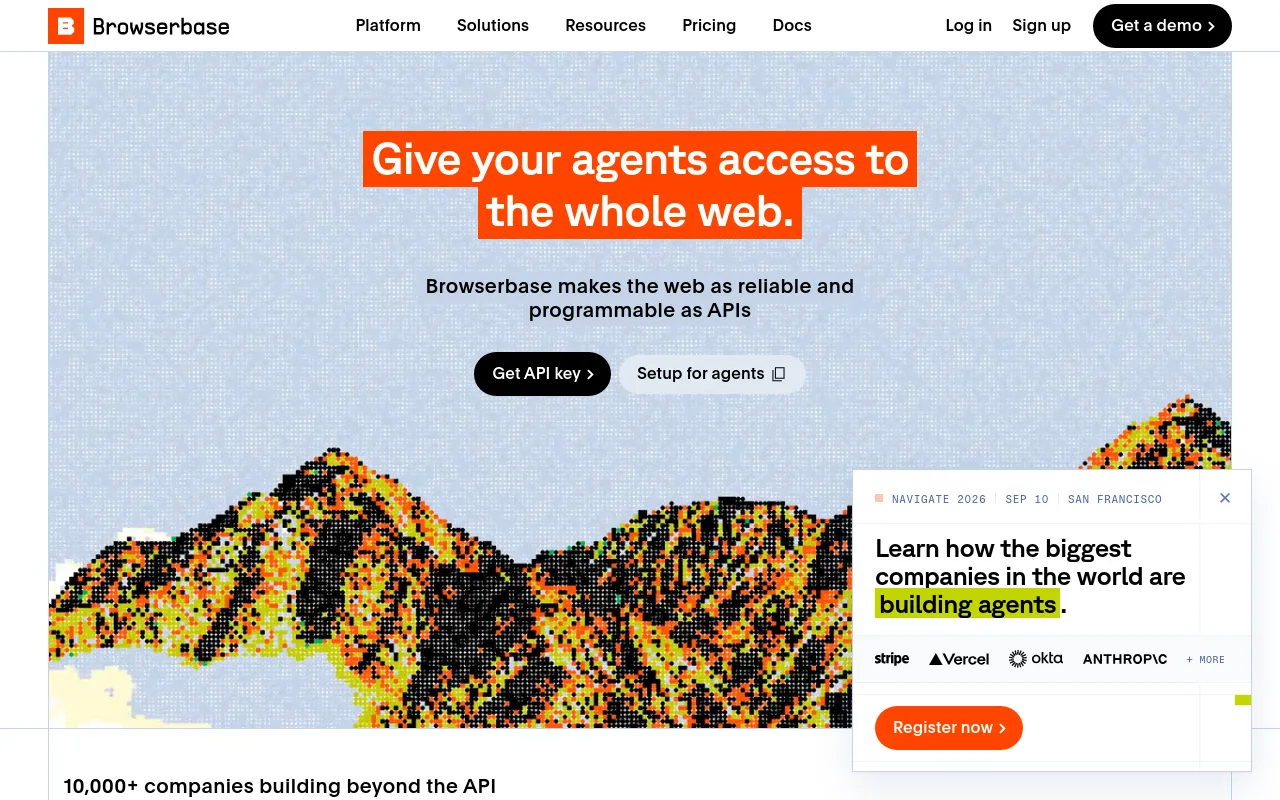
Browserbase is a cloud platform giving AI agents real headless browsers plus search, fetch, proxies, verified identity and a model gateway behind one API key. It also runs managed browser agents and ships the open-source Stagehand SDK.
- Best for
- Developers building browser agents who want one API instead of managing browser infra
- Not for
- Teams that need the fastest possible cold starts or free anti-detection out of the box: independent benchmarks show Browserbase's session start (5-10s) trailing Kernel and TinyFish, and its free tier ships with no stealth features at all, unlike Kernel's free tier which includes basic stealth and residential proxies.
- From
- Freethen $20/month
- Free tier
- YesFree Plan $0/mo: 3 concurrent browsers, 1 browser hour, 3 agent runs, 1,000 search calls, 1,000 fetch calls, 15 minutes per session, 7 days data retention, $5 in model tokens, 1 project. No proxies and no captcha solving. No credit card needed.
What it does
- Writes code
- PartlyGenerates Stagehand browser-automation scripts from a completed Agent run; not general application code.
Use the Optimize tool to turn a completed Agent run into a reusable Stagehand script. Optimize reads the run's steps and generates code that follows…
docs.browserbase.com/platform/agents/ge… - Debugs and fixes
- PartlyDocuments a CI recipe where a coding agent inspects the live DOM on Browserbase and fixes broken selectors; the fix comes from Claude Code, not Browserbase.
This GitHub Action creates a Browserbase session, lets Claude Code inspect the live DOM, and opens a PR with fixed selectors.
docs.browserbase.com/integrations/skill… - Writes tests
- NoTesting docs cover running end-to-end tests on hosted browsers; no page describes authoring tests.
Run end-to-end browser tests in consistent, isolated cloud environments. Browserbase gives you reliable infrastructure for automated testing…
docs.browserbase.com/use-cases/building… - Ships it
- YesBrowser automations are deployed as hosted Functions, published and invoked from the CLI or API.
browse functions publish index.ts
docs.browserbase.com/integrations/skill… - Done-for-you service
- NoSelf-serve software platform; consulting is offered only to architect hybrid on-prem deployments.
Browserbase is a cloud-first platform designed for scalability and reliability.
browserbase.com/pricing
How much it does unattended
- Runs autonomously
- YesManaged Agents complete a prompted web task from one API call, with no human in the loop.
Run autonomous browser agents on Browserbase with one API call.
docs.browserbase.com/platform/agents/ov… - Multi-agent
- PartlyThousands of sessions run in parallel and Stagehand plugs into multi-agent frameworks; Browserbase itself does not orchestrate agents.
It gives developers Playwright-level control combined with AI primitives (act, extract, observe) and plugs into all major agent frameworks…
browserbase.com/pricing - Agent permissions
- PartlyPer-session domain allowlisting restricts navigation, but the feature is marked experimental and covers top-frame navigation only.
Allowed domains let you restrict which websites a session can navigate to. If you pass one or more domains, Browserbase blocks top-level page…
docs.browserbase.com/platform/browser/s…
Which models it runs on
- Claude
- YesAnthropic models are reachable through Model Gateway with only a Browserbase API key.
| Anthropic | `anthropic/claude-sonnet-4-6` |
docs.browserbase.com/platform/model-gat… - GPT
- YesOpenAI models are reachable through Model Gateway with only a Browserbase API key.
| OpenAI | `openai/gpt-5` |
docs.browserbase.com/platform/model-gat… - Open models
- NoThe gateway's provider list is closed at OpenAI, Anthropic and Google; no open-weight model is named.
Need a provider that isn't listed? Reach out. Browserbase is happy to work with teams on additional model support.
docs.browserbase.com/platform/model-gat… - Model choice
- YesYou pick the model in Stagehand config, or omit it and let the gateway choose per call.
Switch models in your Stagehand config without touching credentials or account
browserbase.com/models
Where you use it
- In your editor
- PartlyNo editor extension; the CLI and MCP server are what run inside Cursor, Claude Code and other MCP clients.
Yes. Browserbase CLI is designed for coding agents: it is scriptable, discoverable, and works well inside terminal-based agent loops. In Claude Code,…
browserbase.com/browse-cli - On the command line
- YesBrowse CLI fetches, searches, browses and manages sessions, contexts and Functions from the terminal.
Browserbase CLI gives agents one interface to fetch pages, search the web, control a real browser, manage sessions, persist browser state, and turn…
browserbase.com/browse-cli - In your pipeline
- YesDocumented GitHub Actions workflow creates a session, inspects the live DOM and opens a pull request.
This GitHub Action creates a Browserbase session, lets Claude Code inspect the live DOM, and opens a PR with fixed selectors.
docs.browserbase.com/integrations/skill… - In a browser
- YesHosted dashboard with a playground, session inspector and Function deployment.
Create, test, and deploy browser agent Functions directly from the Browserbase dashboard
docs.browserbase.com/llms.txt
Whose machine it runs on
- Self-hosted
- NoNo on-prem deployment; private cloud and VPC connectivity are the enterprise substitutes.
Browserbase is a cloud-first platform designed for scalability and reliability. While we don't offer on-prem deployment, our cloud infrastructure…
browserbase.com/pricing - Open source
- PartlyStagehand SDK and the Browse CLI are open source; the hosted browser platform is not.
Stagehand is an open source SDK that uses AI to make your browser agents resilient, readable, and production-ready.
browserbase.com/stagehand
What it costs to run
- How it meters
- YesMonthly plan fee plus pay-as-you-go overages metered per browser hour, per GB of proxy and per 1k API calls.
Each plan includes a monthly allocation of browser hours and proxy bandwidth (and more). Go beyond it and pay-as-you-go overage rates apply. No caps.…
docs.browserbase.com/account/billing/pl… - Free tier
- YesFree plan with 3 concurrent browsers, 1 browser hour and 3 agent runs; no credit card and no sales call.
Start free, no credit card needed. Includes 3 concurrent sessions.
docs.browserbase.com/account/billing/pl… - API access
- YesREST API and Node/Python SDKs for sessions, agents, contexts, search, fetch and Functions on every plan.
Create, connect, and retrieve information from browser sessions.
docs.browserbase.com/reference/api/over… - MCP server
- YesHosted MCP server at mcp.browserbase.com gives MCP clients browser automation via Stagehand.
This server provides cloud browser automation capabilities using Browserbase and Stagehand. It enables LLMs to interact with web pages, take…
browserbase.com/mcp - Bring your own key
- YesYou may bring your own model provider, your own proxies, and on Enterprise your own S3 storage.
Omit `model` to let Model Gateway select one for each `act`, `extract`, and `observe` call. See Stagehand model configuration to pin a model or bring…
docs.browserbase.com/platform/model-gat…
Buying it for a team
- A company can buy it
- YesOrganizations with member invitations, projects, Stripe billing portal and invoice billing on Scale.
Invoice billing: Keep procurement happy and skip the credit card hassle.
browserbase.com/enterprise - Seat model
- NoPlans are priced per organization on capacity and usage; the plan tables carry no seat count or per-user price.
| | Free \$0 | Developer \$20 | Startup \$99 | Scale plan | | **Browser Hours** | 1 hr | 100 hrs | 500 hrs | Flexible |
docs.browserbase.com/account/billing/pl… - Pooled budget
- YesAllocations, retention and billing attach to the organization and its projects, not to individual members.
Settings that live on your Browserbase Organization, such as data retention, projects, and support tier.
docs.browserbase.com/account/billing/pl… - Admin controls
- PartlyAdmin roles and project access govern the dashboard only; what a session may do is set per session in code, not by policy.
User roles only affect what permissions a user has within the dashboard itself. They don't change who can interact with sessions via the API. That's…
docs.browserbase.com/account/team/roles… - Audit log
- Yes
Automate KYC checks across business registries, sanctions lists, license boards, and verification portals. Faster onboarding, fewer manual reviews,…
browserbase.com/use-cases - Single sign-on
- PartlySAML 2.0 SSO with JIT provisioning, but only on Enterprise/Scale plans and enabled by Browserbase support.
SSO is available only on Enterprise plans. Get in touch with the Browserbase team to enable SSO on your account.
docs.browserbase.com/account/team/sso.md
What happens to your code
- Opt out of training
- YesThe privacy policy makes no-training the default, conditioned on affirmative consent.
We do not use your browser data to train any generative artificial intelligence models without your affirmative consent.
browserbase.com/privacy-policy - Data residency
- YesRegion is chosen per session from us-west-2, us-east-1, eu-central-1 and ap-southeast-1, and residency is configurable for enterprise.
Available regions: `us-west-2` (Oregon), `us-east-1` (Virginia), `eu-central-1` (Frankfurt), and `ap-southeast-1` (Singapore). All sessions are…
docs.browserbase.com/optimizations/late… - Getting out
- PartlyArtifacts are retrievable by API and replays downloadable as MP4, but retention is capped at 7 or 30 days by plan and monthly allocations do not roll over.
| **Data Retention** | 7 days | 7 days | 30 days | 30+ days |
docs.browserbase.com/account/billing/pl… - Certifications
- YesSOC 2 Type II on every plan; HIPAA BAA and DPA on Scale only; third-party penetration testing.
SOC 2 Type II Certified; HIPAA compliant: Business Associate Agreements (BAAs) available; Comprehensive third-party penetration testing with…
docs.browserbase.com/account/enterprise…
33 sourced claims on this page. Checked 2026-09-02. How we check.
Filed under
Sources and updates
The pages we read44
1 of 44 independent of the vendor.
- docs.browserbase.com/account/billing/plans.md5 fields
- browserbase.com/pricing5 fields
- docs.browserbase.com/platform/model-gateway/overview4 fields
- docs.browserbase.com/platform/model-gateway/overview.md4 fields
- docs.browserbase.com/account/billing/plans3 fields
- docs.browserbase.com/account/enterprise/security3 fields
- docs.browserbase.com/integrations/skills/introduction3 fields
- browserbase.com/use-cases3 fields
- docs.browserbase.com/account/team/roles2 fields
- browserbase.com/browse-cli2 fields
- docs.browserbase.com/integrations/mcp/setup2 fields
- docs.browserbase.com/integrations/skills/browse-cli2 fields
- docs.browserbase.com/integrations/skills/github-action2 fields
- docs.browserbase.com/platform/agents/generating-scripts2 fields
- docs.browserbase.com/platform/agents/overview2 fields
- docs.stagehand.dev/v4/configuration/modelsIndependent source2 fields
- browserbase.com/1 field
- docs.browserbase.com/account/billing/plan-management1 field
- docs.browserbase.com/account/enterprise/security.md1 field
- docs.browserbase.com/account/enterprise/zero-data-retention1 field
- docs.browserbase.com/account/team/roles.md1 field
- docs.browserbase.com/account/team/sso1 field
- docs.browserbase.com/account/team/sso.md1 field
- browserbase.com/changelog/soc-2-type-ii1 field
- browserbase.com/enterprise1 field
- docs.browserbase.com/integrations/mcp/introduction1 field
- docs.browserbase.com/integrations/skills/github-action.md1 field
- docs.browserbase.com/integrations/vercel/quickstart1 field
- docs.browserbase.com/llms.txt1 field
- browserbase.com/mcp1 field
- browserbase.com/models1 field
- docs.browserbase.com/optimizations/latency/multi-region.md1 field
- docs.browserbase.com/platform/agents/overview.md1 field
- docs.browserbase.com/platform/browser/security/allowed-domains1 field
- docs.browserbase.com/platform/browser/security/allowed-domains.md1 field
- browserbase.com/privacy-policy1 field
- docs.browserbase.com/reference/api/overview.md1 field
- browserbase.com/solutions/accessing-web-data1 field
- browserbase.com/solutions/accessing-web-data1 field
- browserbase.com/solutions/workflow-automation1 field
- browserbase.com/solutions/workflow-automation1 field
- browserbase.com/stagehand1 field
- docs.browserbase.com/use-cases/building-automated-tests1 field
- docs.browserbase.com/welcome/introduction1 field
Coverage elsewhere3
Updates4
- Capabilities · Commercial terms · Free tier
- Free tier · Price
- Capabilities · Commercial terms
- Created · One-liner · Summary