
Summary
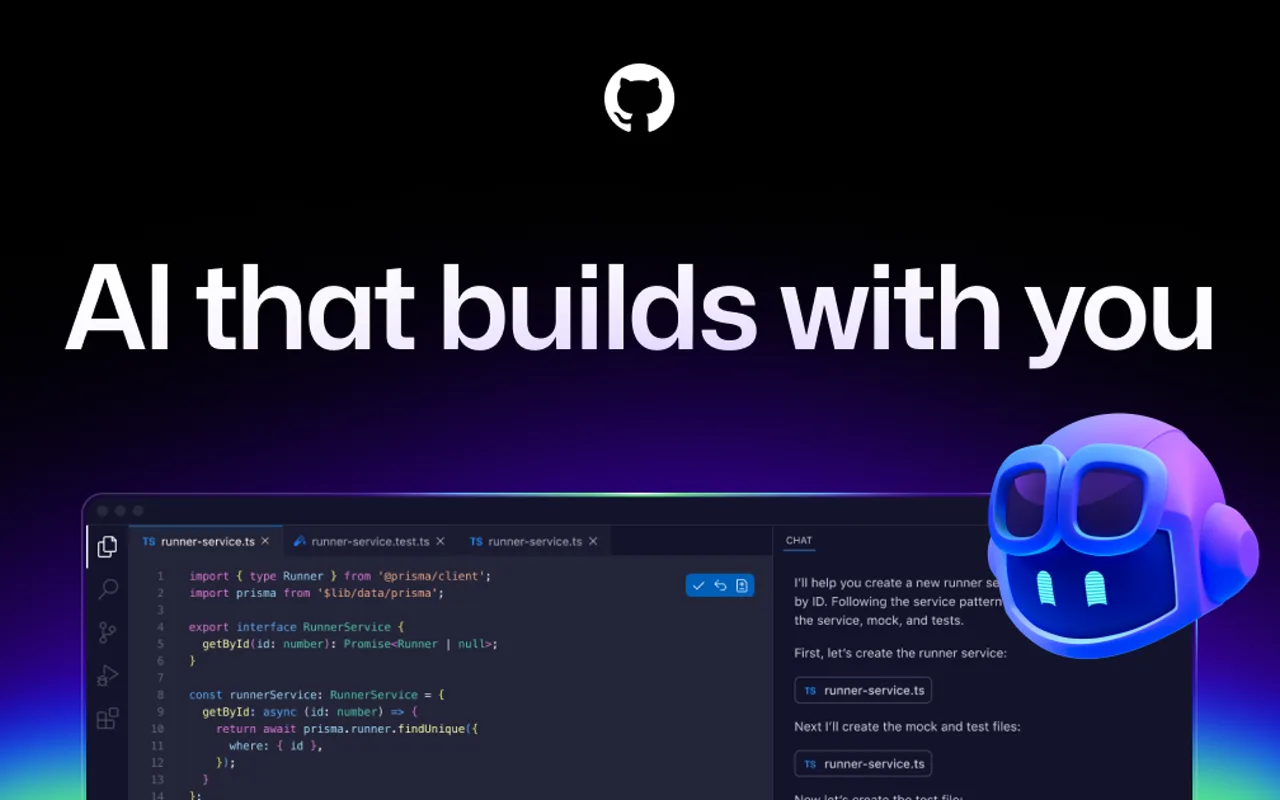
GitHub Copilot is GitHub's AI coding assistant and agent platform, combining inline completions and chat with agents that research a repository, change code on a branch and open pull requests. It is built into GitHub itself rather than bolted on.
- Best for
- Enterprise and team developers already in GitHub and mainstream IDEs who want governed, reviewable AI coding at scale, with optional access to Claude Code and OpenAI Codex through the same interface.
- Not for
- Solo hackers on a non-GitHub stack who want a maximally autonomous terminal agent.
- From
- Freethen $10/month
- Free tier
- Yes2,000 completions and 50 chat requests per month, Copilot CLI and agent mode, and a limited chat and agent credit allowance; cloud agent, code review and instructions.md are marked Not included. No credit card required.
What it does
- Writes code
- YesAuthors code from a prompt in three places: inline completions in editors, agent mode in the IDE, and a cloud agent that writes changes on a branch.
Copilot can research a repository, create an implementation plan, and make code changes on a branch.
docs.github.com/en/copilot/concepts/age… - Debugs and fixes
- YesThe CLI and cloud agent both diagnose failures and land the fix as a commit or pull request; the cloud agent's own task list names bug fixing.
Use the CLI to add features or fix bugs, then create a pull request.
docs.github.com/en/copilot/get-started/… - Writes tests
- YesTest work is a named cloud-agent task, and the agent runs the tests it writes in its own ephemeral environment.
Improve test coverage
docs.github.com/en/copilot/concepts/age… - Reviews code
- PartlyReviews pull requests on GitHub and file diffs in editors, with suggested fixes; the comparison table marks both rows Not included on Free.
Copilot reviews your pull requests, identifies issues, and suggests fixes you can apply in a couple of clicks.
docs.github.com/en/copilot/concepts/cod… - Whole-codebase work
- PartlyWorks across a whole repository, including Java and .NET modernisation, but one run is confined to one repository and one branch.
Copilot cannot make changes across multiple repositories in one run.
docs.github.com/en/copilot/concepts/age… - Ships it
- NoStops at a branch, a diff and optionally a pull request; merging is listed as an action needing human approval, and no deployment step is claimed.
Copilot can research a repository, create an implementation plan, and make code changes on a branch. You can review the diff, iterate, and create a…
docs.github.com/en/copilot/concepts/age… - Done-for-you service
- NoSelf-serve software you install and run; Enterprise adds a Premium Support add-on, which is support rather than people building and running it for you.
GitHub Copilot is available as an extension in Visual Studio Code, Visual Studio, Vim, Neovim, the JetBrains suite of IDEs, and Azure Data Studio.
github.com/features/copilot/plans
How much it does unattended
- Runs autonomously
- PartlyThe cloud agent completes assigned tasks unattended in a GitHub Actions environment, capped at 59 minutes per session; Free has no cloud agent.
With Copilot cloud agent, GitHub Copilot can work independently in the background to complete tasks, just like a human developer.
docs.github.com/en/copilot/concepts/age… - Multi-agent
- YesCopilot CLI delegates to specialised sub-agents on every plan; delegating a task to Claude or Codex is a Pro+ and above preview, and the CLI's ACP server is documented for coordinating with other agents.
It can execute shell commands, read and write files, search your codebase, fetch web content, and delegate tasks to specialized sub-agents.
docs.github.com/en/copilot/how-tos/copi… - Agent permissions
- PartlyRead-only actions run unattended; destructive shell commands, file writes and URL access need explicit approval, which you can persist per repository or waive entirely with --allow-all.
However, they typically need human approval to perform sensitive actions, such as running commands in a developer's terminal or merging a pull…
docs.github.com/en/copilot/get-started/…
Which models it runs on
- Claude
- YesClaude is in the catalog from the Free plan up, with the premium Opus tier gated to Pro+ and above; Anthropic models are served from AWS, Anthropic and Google Cloud.
Access to Haiku 4.5, GPT-5 mini, and more
github.com/features/copilot/plans - GPT
- YesGPT models are in the catalog from the Free plan up, including the Codex variants; OpenAI models are hosted by OpenAI and GitHub's Azure infrastructure under a zero data retention agreement.
Access to Haiku 4.5, GPT-5 mini, and more
github.com/features/copilot/plans - Open models
- YesTwo Moonshot AI open-weight models are in the hosted catalog, served by GitHub on Azure AI Foundry and Fireworks AI under zero data retention.
They are open-weight models that may be less aligned than other Copilot models, with an elevated risk of geographic bias.
docs.github.com/en/copilot/reference/ai… - Model choice
- PartlyYou pick from a vendor-curated catalog, and the plan cards list model selection as a Pro addition; bring-your-own-key is the only route to a model GitHub does not host.github.com/features/copilot/plans
Where you use it
- In your editor
- YesAgent mode ships in five IDE families on every plan, with completions and chat also in Xcode, Neovim, Eclipse, Zed and SQL Server Management Studio.
Agent mode use in VS Code, Visual Studio, JetBrains, Eclipse, and Xcode
github.com/features/copilot/plans - On the command line
- YesCopilot CLI is included on every plan, including Free, and can commit locally or on GitHub and delegate to coding agents.
Use Copilot from your terminal
github.com/features/copilot/plans - In your pipeline
- YesCopilot CLI runs in GitHub Actions with the built-in GITHUB_TOKEN, and both code review and the cloud agent execute on Actions runners and consume Actions minutes.
Run Copilot CLI in a GitHub Actions workflow using the built-in
docs.github.com/en/copilot/how-tos/copi… - In a browser
- Yesgithub.com and GitHub Mobile are listed as supported environments on every plan, and the agents panel runs cloud sessions from the browser.
GitHub Copilot Chat is available on the GitHub website, in GitHub Mobile, in supported IDEs, and in Windows Terminal.
docs.github.com/en/copilot/get-started/…
Whose machine it runs on
- Self-hosted
- NoThe service is GitHub-hosted; clients reach it over HTTPS through an allowlist of GitHub endpoints. Local bring-your-own-key moves inference to your own model, not the product.
By default, Copilot connects to GitHub's server directly from your environment via a secure HTTPS connection.
docs.github.com/en/copilot/concepts/net… - Open source
- NoCopilot CLI is shipped under a GitHub licence granting only the right to install, run and redistribute unmodified copies; the service and models are GitHub-hosted and proprietary.
GitHub also grants you the right to reproduce and redistribute unmodified copies of the Software as part of an application or service.
github.com/github/copilot-cli/blob/main…
What it costs to run
- How it meters
- YesPer user per month for a seat, plus consumption metered in AI credits at one cent each; completions and next edit suggestions are unlimited and free of credits on paid plans.
GitHub AI Credits are how you pay for AI usage in GitHub Copilot. Every plan includes a monthly allowance: 1 AI credit = $0.01 USD.
github.com/features/copilot/plans - Free tier
- YesA permanent Free plan, no card and no sales call: completions, chat, CLI and agent mode within a monthly cap, excluding cloud agent and code review.
GitHub Copilot Free users are limited to 2000 completions and 50 chat requests (including Copilot Edits).
github.com/features/copilot/plans - API access
- YesThree routes: non-interactive CLI prompts on every plan, a Copilot SDK for embedding the agent, and an agent tasks REST API in public preview for starting cloud sessions.
This allows you to use Copilot programmatically in scripts, CI/CD pipelines, and automation workflows.
docs.github.com/en/copilot/reference/co… - MCP server
- PartlyAnother agent can start a Copilot cloud session through the remote GitHub MCP Server, on paid plans only; separately, Copilot consumes third-party MCP servers on every plan.
Start Copilot cloud agent sessions from any IDE or agentic tool that supports Model Context Protocol (MCP).
docs.github.com/en/copilot/how-tos/use-… - Bring your own key
- YesLocal keys are supported in VS Code, JetBrains, Xcode, the CLI, the desktop app and the SDK; enterprise-wide custom models are a public preview, and admins can disable local BYOK for Business and Enterprise users.
Bring your own key (BYOK) allows you to use Copilot with models of your choice, such as models that are running on your local machine or hosted by an…
docs.github.com/en/copilot/concepts/mod…
Buying it for a team
- A company can buy it
- YesBusiness and Enterprise are org-level plans with published per-user prices, bought through sales or self-serve, with seats assigned by organisation owners.
For teams that want pooled credits and control.
github.com/features/copilot/plans - Seat model
- YesOne seat per user account, $19 Business and $39 Enterprise per user per month; the seat reference publishes no minimum or maximum, and removing all seats cancels the plan.
A Copilot seat is a license to use Copilot, assigned to a unique user account through a Copilot Business or a Copilot Enterprise plan.
docs.github.com/en/copilot/reference/co… - Pooled budget
- PartlyBusiness and Enterprise pool the included credits across the organisation; the comparison table marks pooled usage Not included on Free, Pro, Pro+ and Max.
Included AI credits are shared org-wide with admin controls for spending.
github.com/features/copilot/plans - Admin controls
- PartlyOrganisation and enterprise owners gate features, models, third-party agents, MCP servers and paid usage; enterprise settings override organisation ones. Individual plans have no admin layer.
Control the availability of GitHub Copilot features and models for users granted a license by your organization.
docs.github.com/en/copilot/how-tos/admi… - Audit log
- PartlyEnterprise audit logs record plan, policy and licence changes plus agent activity on the website; the Pro+ card also lists audit logs, and Free and Pro get none.
You can use the audit log to review actions taken in your enterprise.
docs.github.com/en/copilot/how-tos/admi… - Single sign-on
- PartlySAML SSO is a Business and Enterprise row and needs GitHub Enterprise Cloud; the individual plans are marked Not included.
Authentication with SAML single sign-on (SSO) available for organizations using GitHub Enterprise Cloud.
github.com/features/copilot/plans
What happens to your code
- Opt out of training
- YesBusiness and Enterprise data is never used for training; individual subscribers are opted in by default and switch it off in Copilot settings without losing features.
GitHub does not use Copilot Business or Copilot Enterprise customer data to train AI models.
docs.github.com/en/copilot/reference/ai… - Data residency
- PartlyUS by default. Enterprise Cloud with data residency pins code and data to the EU, Australia, US or Japan on a GHE.com subdomain, and some Copilot features are unavailable there.
By default, GitHub stores data for GitHub.com in the USA. When you adopt GitHub Enterprise Cloud with data residency, you can choose where your…
docs.github.com/en/enterprise-cloud@lat… - Getting out
- PartlyUnused credits are forfeited each month rather than banked; organisation and enterprise owners can export Copilot user activity as a CSV report.
Included AI credits do not carry over between months. Unused credits are forfeited, and your allowance resets to the full monthly amount at 00:00:00…
docs.github.com/en/copilot/concepts/bil… - Certifications
- PartlySOC 1, SOC 2, SOC 3, ISO 27001, ISO/IEC 42001, CSA STAR Level 2 and TISAX are listed in the Copilot Trust Center, but the reports and ISMS scope name Business and Enterprise only; GDPR is handled through a Data Protection Agreement.
Audits and Certifications: Compliance reports are available for GitHub Copilot Business and Copilot Enterprise.
copilot.github.trust.page/faq
Checked · How we check
Alternatives
Coding agent in a desktop editor, terminal CLI, cloud VMs and CI, priced per seat plus token usage.
Open-source coding agent for VS Code, JetBrains, the terminal and CI, running on whichever model you bring.
JetBrains coding agent for the terminal, JetBrains IDEs and CI, running on hosted or your own model keys.
Filed under
Sources and updates
Sources29
- github.com/features/copilot/plans
- docs.github.com/en/copilot/concepts/agents/cloud-agent/about-cloud-agent
- docs.github.com/en/copilot/get-started/plans
- docs.github.com/en/copilot/get-started/features
- docs.github.com/en/copilot/concepts/agents/copilot-cli/autopilot
- docs.github.com/en/copilot/concepts/billing/usage-based-billing-for-individuals
- docs.github.com/en/copilot/concepts/models/bring-your-own-key
- docs.github.com/en/copilot/reference/ai-models/model-hosting
- docs.github.com/en/copilot/concepts/agents/code-review
- docs.github.com/en/copilot/concepts/agents/copilot-cli
- docs.github.com/en/copilot/concepts/agents/copilot-cli/fleet
- docs.github.com/en/copilot/concepts/code-review/code-review
- docs.github.com/en/copilot/concepts/context/mcp
- docs.github.com/en/copilot/concepts/network-settings
- docs.github.com/en/copilot/how-tos/administer-copilot/manage-for-enterprise/manage-enterprise-policies
- docs.github.com/en/copilot/how-tos/administer-copilot/manage-for-enterprise/review-audit-logs
- docs.github.com/en/copilot/how-tos/administer-copilot/manage-for-organization/manage-policies
- docs.github.com/en/copilot/how-tos/copilot-cli/use-copilot-cli-in-actions
- docs.github.com/en/copilot/how-tos/copilot-cli/use-copilot-cli/allowing-tools
- docs.github.com/en/copilot/how-tos/copilot-sdk
- docs.github.com/en/copilot/how-tos/use-copilot-agents/cloud-agent/use-cloud-agent-with-mcp
- docs.github.com/en/copilot/reference/ai-models/supported-models
- docs.github.com/en/copilot/reference/copilot-billing/seat-assignment
- docs.github.com/en/copilot/reference/copilot-cli-reference/cli-programmatic-reference
- docs.github.com/en/enterprise-cloud@latest/admin/data-residency/about-github-enterprise-cloud-with-data-residencyRepository
- docs.github.com/en/enterprise-cloud@latest/admin/data-residency/github-copilot-with-data-residencyRepository
- docs.github.com/en/enterprise-cloud@latest/copilot/concepts/about-enterprise-accounts-for-copilot-businessRepository
- copilot.github.trust.page/faqIndependent source
- github.com/github/copilot-cli/blob/main/LICENSE.md
Coverage elsewhere1
Updates3
- Capabilities · Free tier · Terms
- Capabilities · Free tier · Price · Terms
- Documentation link · Repository · Summary · Tagline