
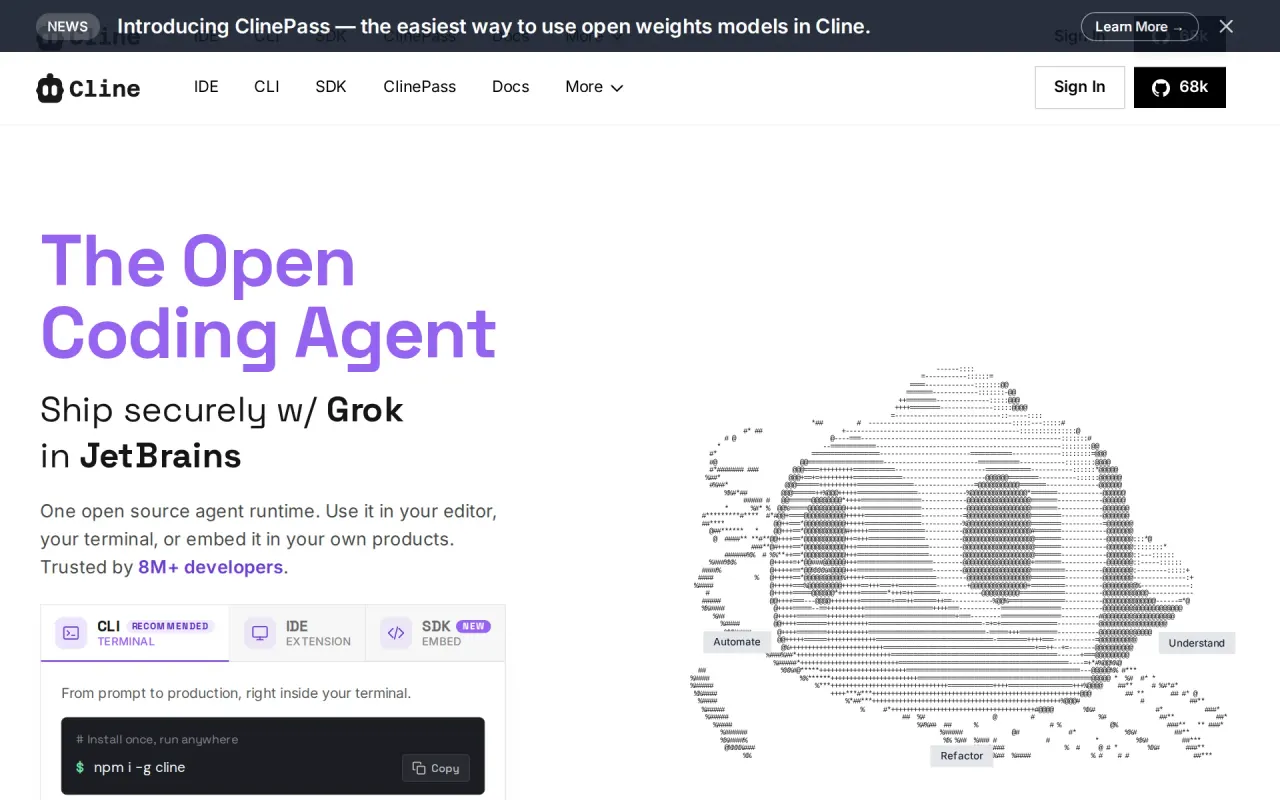
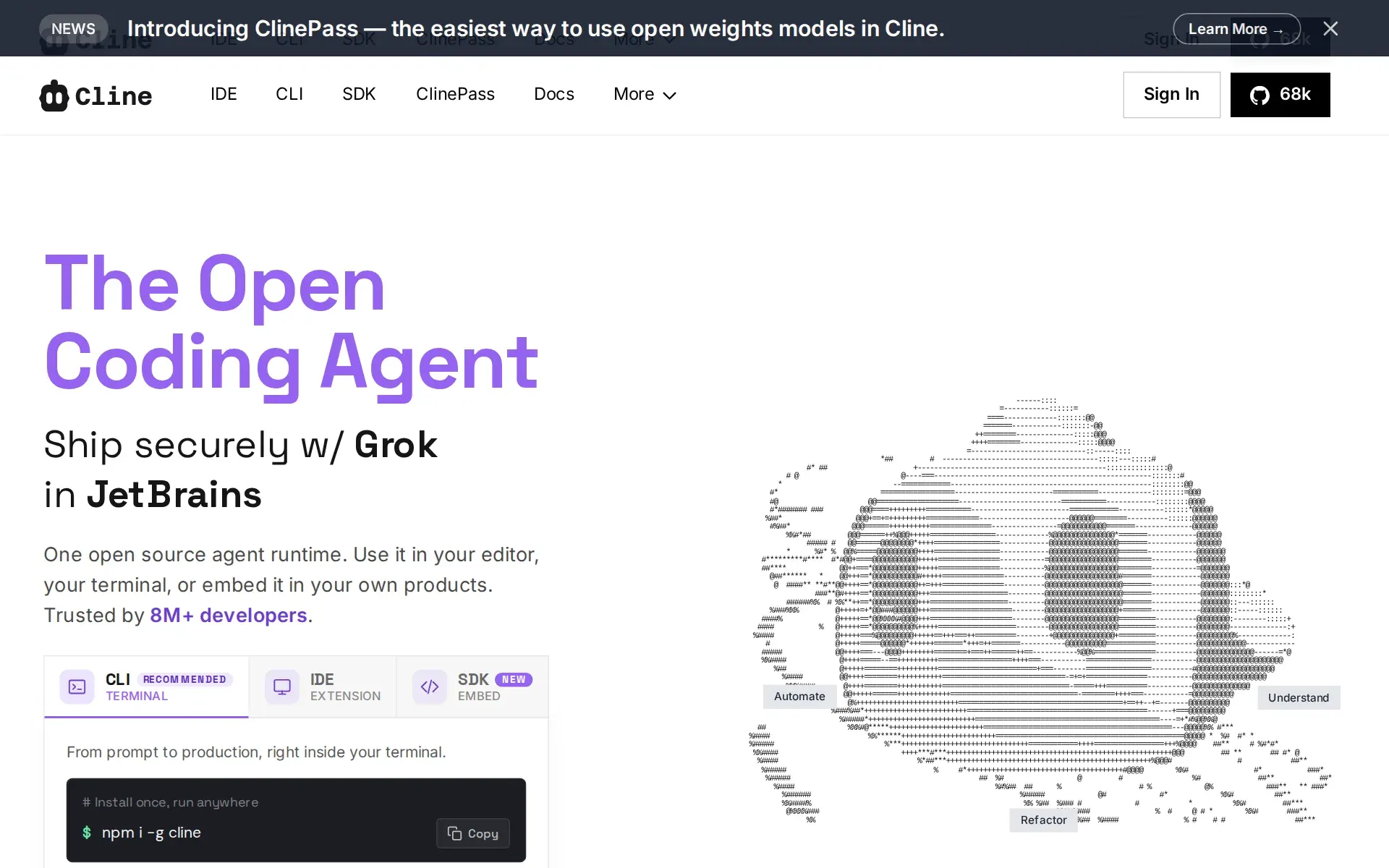
Not for People who want a zero-setup managed product with all model costs bundled and support included by default. Cline's paid layers (ClinePass, Cline usage-billing, Enterprise) are opt-in add-ons on top of the free BYOK core, not a bundled-by-default plan.
Changed since our last check
- Runs autonomously: now Yes. It was Partly when we checked on .
- Multi-agent: now Yes. It was Partly when we checked on .
- Admin controls: now Yes. It was Partly when we checked on .
The facts, with their sources
What it does
- Writes code
- YesCline authors new code from a plain-language request, creating and editing files across a project rather than completing lines in one buffer.
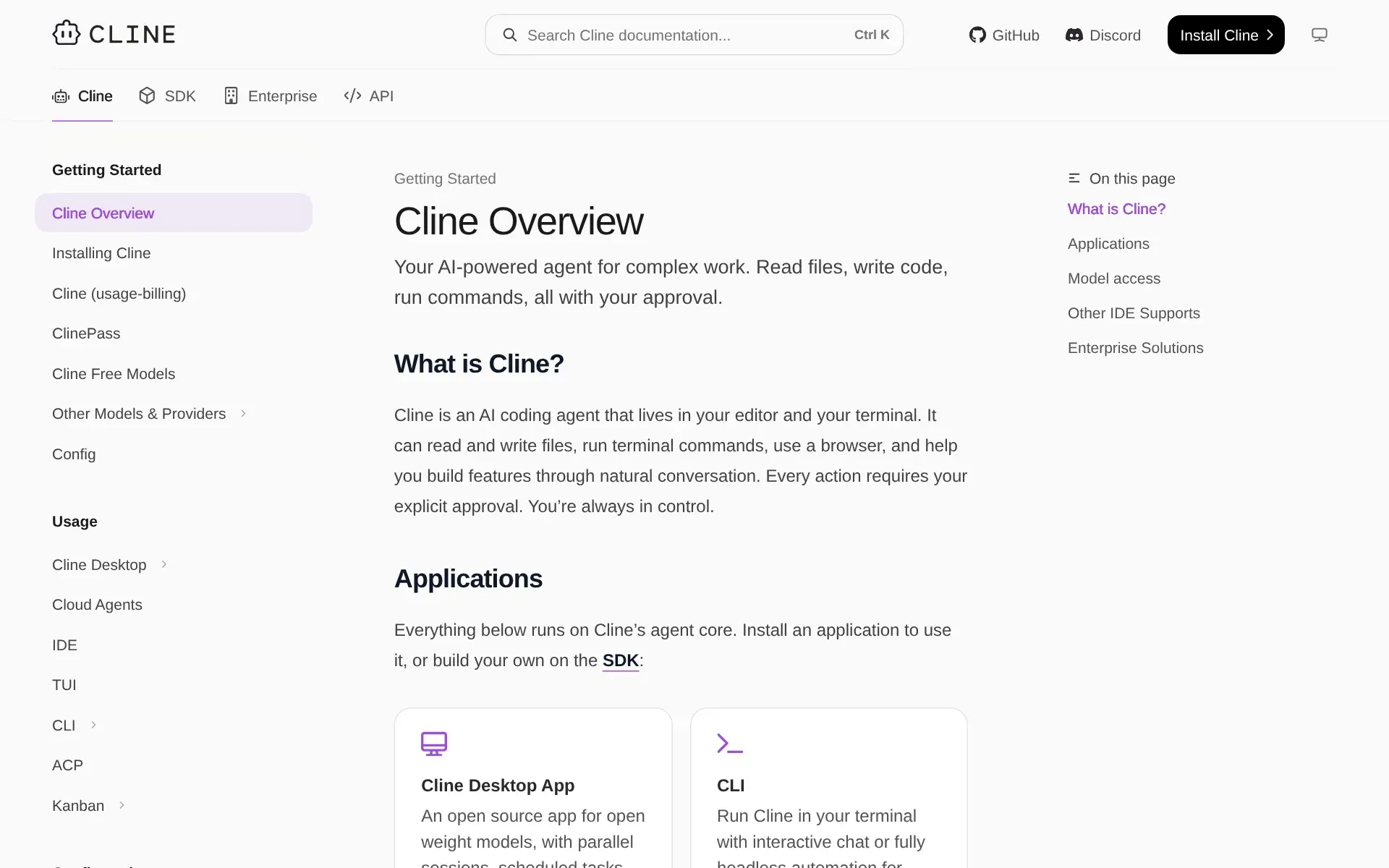
It can read and write files, run terminal commands, use a browser, and help you build features through natural conversation.
docs.cline.bot/cline-overview - Debugs and fixes
- YesDiagnosis and repair are advertised as one loop: it reads stack traces or failing tests, then edits the files and re-runs commands to confirm the fix.
Analyze stack traces and fix bugs from error logs instantly.
cline.bot/enterprise - Writes tests
- YesTest authoring is a named use case, covering unit and integration tests for existing large codebases rather than only tests for code it just wrote.
Generate comprehensive unit and integration tests for large enterprise codebases.
cline.bot/enterprise - Reviews code
- YesIt reviews diffs someone else wrote, either interactively on files and pull requests or unattended in GitHub Actions posting a review comment.
Cline can be a valuable code review assistant. Ask it to review specific files or pull requests, and it can identify potential bugs, suggest…
cline.bot/faq - Whole-codebase work
- YesRepository-wide migrations are a stated use case, though the vendor is explicit that it never indexes a repo and instead uses partial-file analysis and summarisation.
Make coordinated changes across large codebases while Cline keeps imports, types, and behavior consistent.
cline.bot - Ships it
- PartlyIt goes past the diff by running your own commands and by committing or opening a PR from the Kanban board, but Cline ships no deployment service of its own.
Long-running dev servers, tests, deploys, all handled live.
cline.bot - Done-for-you service
- NoThis is software you install and operate yourself in your editor or terminal; Enterprise buys support, SLA and governance, not a team that builds for you.
Cline is an AI coding agent that lives in your editor and your terminal.
docs.cline.bot/cline-overview
How much it does unattended
- Runs autonomously
- YesAuto-approval and headless mode let a task run start to finish with nobody watching, including scheduled cron runs and CI jobs; the vendor warns to use a clean branch.Was Partly before our last check.
Autonomous execution can modify files and run commands without further prompts. Use a clean branch and review results.
docs.cline.bot/usage/cli-overview - Multi-agent
- YesTwo mechanisms coordinate several agents: read-only subagents that research in parallel, and SDK agent teams where a coordinator delegates to specialists and merges results.Was Partly before our last check.
One agent acts as the coordinator, delegating subtasks to specialist agents and merging their results.
docs.cline.bot/sdk/guides/multi-agent-t… - Agent permissions
- YesApproval is per tool call across eight named categories - reading, editing, safe commands, all commands, browser, MCP - each toggled separately, with outside-workspace access gated behind the base toggle.
Auto Approve lets you decide which actions Cline can take without prompting you each time.
docs.cline.bot/features/auto-approve
Which models it runs on
- Claude
- YesClaude is supported and is the vendor's recommended coding model, reachable through Cline's own billing, through Anthropic directly, or via Bedrock and Vertex.
Claude, GPT, Gemini, local Ollama / LM Studio, or any OpenAI-compatible endpoint. Bring your own key or your own weights.
cline.bot - GPT
- YesGPT models are supported on the same footing as Claude, through the Cline provider, an OpenAI key of your own, or Azure OpenAI on the enterprise path.cline.bot
- Open models
- YesOpen-weight models are a first-class path: a curated set ships inside the ClinePass subscription, and Ollama, LM Studio or any OpenAI-compatible endpoint runs weights you host.
ClinePass is a low-cost subscription that includes open weight models in Cline.
cline.bot/cline-pass - Model choice
- YesYou choose the model and the provider, and the vendor frames that as its differentiator; the same client talks to more than thirty providers plus local runtimes.
Cline is open source and supports providers like Anthropic, Gemini, OpenAI, OpenRouter, AWS Bedrock, GCP Vertex, Groq, Cerebras, Vercel AI Gateway,…
cline.bot/pricing
Where you use it
- In your editor
- YesIt runs as an editor extension in VS Code and forks of it and as a JetBrains plugin, and ACP-capable editors such as Zed, Neovim and Emacs can drive the CLI instead.
AI coding assistant in your editor. Create files, run commands, browse the web, and use tools with human-in-the-loop approval.
docs.cline.bot/cline-overview - On the command line
- YesA terminal client installed from npm gives both an interactive session and a headless mode triggered by piping, redirection or the JSON flag.
Run Cline in your terminal with interactive chat or fully headless automation for CI/CD and scripting.
docs.cline.bot/cline-overview - In your pipeline
- YesThe CLI is documented as a GitHub Actions step that reviews pull requests unattended and posts inline comments; the vendor also names GitLab and other pipelines.
Detailed analysis, security checks, and code suggestions provided by Cline running autonomously in GitHub Actions.
docs.cline.bot/cli/samples/github-pr-re… - In a browser
- PartlyThe browser UI is Kanban, a board you start yourself on localhost and label a research preview; the vendor's hosted web app is the account and admin console, not a place to run tasks.
This starts a local server and opens the board in your browser.
docs.cline.bot/usage/kanban
Whose machine it runs on
- Self-hosted
- YesThe client executes on your own machine by default, and Enterprise is documented for VPC, on-premises and air-gapped deployment with inference going straight to your providers.
VPC, on-prem, air-gapped. You control where it runs and how it's configured for maximum security and data sovereignty.
cline.bot/enterprise - Open source
- YesThe agent client and its SDK harness are published under the Apache 2.0 licence, and the paid layers are model access and organisation governance rather than the code.
Apache 2.0 open source
cline.bot
What it costs to run
- How it meters
- YesThree shapes coexist: metered credits per model call, one flat monthly subscription for curated open-weight models, or your own provider bill under BYOK - and no seat fee on the open-source client.
You only pay for AI inference credits when you use AI models. This is usage-based pricing - you pay for what you use, nothing more.
cline.bot/pricing - Free tier
- YesNo sales call: the extension and CLI are free indefinitely, you supply a key or credits, and rotating promotional free models let you run tasks at no cost up to a quota.
The Cline open source extension is completely free for individual developers.
cline.bot/pricing - API access
- YesTwo documented APIs plus an SDK: an OpenAI-compatible chat completions endpoint for inference, a REST admin API for orgs and keys, and npm packages that embed the agent loop itself.
You authenticate once with a Cline API key and get access to models from Anthropic, OpenAI, Google, and more through a single base URL.
docs.cline.bot/api/overview - MCP server
- PartlyCline is an MCP client - you attach local or remote servers to it, and a marketplace lists them - but the vendor documents no MCP server exposing Cline itself to another agent.
MCP (Model Context Protocol) lets Cline use external tools and data sources through MCP servers.
docs.cline.bot/mcp/mcp-overview - Bring your own key
- YesBring-your-own-key is the default path and extends to your own cloud accounts (Bedrock, Vertex, Azure OpenAI) and your own weights on Ollama or LM Studio.
You can bring your own API keys from providers like OpenAI, Anthropic, Google, and others.
cline.bot/pricing
Buying it for a team
- A company can buy it
- YesAn organisation can buy Enterprise, which adds org accounts with roles, centralised billing and governance over the same client; its price is quoted rather than published.
Cline Enterprise brings centralized governance to the same open-source architecture that millions of developers already use.
docs.cline.bot/enterprise-solutions/ove… - Seat model
- PartlySeats are counted against an organisation licence - every owner, admin, member and even a pending invite holds one - but no seat price, floor or ceiling is published, and Enterprise claims unlimited seats.
Includes unlimited seats with no per-user restrictions.
docs.cline.bot/enterprise-solutions/tea… - Pooled budget
- PartlyOrganisation members draw on providers and billing configured centrally by an admin, and spend is reported per team and per member, but no per-seat budget cap is documented.
Configure providers once for the entire organization through the web-based admin console.
docs.cline.bot/enterprise-solutions/con… - Admin controls
- YesAdmins push remote configuration that constrains the agent itself: which providers and models are allowed, whether YOLO mode runs, and which MCP servers may be installed or added.Was Partly before our last check.
Enterprise administrators have four configuration options to govern MCP server usage across their organization
docs.cline.bot/enterprise-solutions/con… - Audit log
- PartlyEnterprise records authentication events and administrative operations selectively, and member activity logs survive offboarding; full conversation history is captured only if you enable prompt storage to your own bucket.
OpenTelemetry integration for monitoring usage, costs, and performance with selective audit logging for administrative operations
docs.cline.bot/enterprise-solutions/ove… - Single sign-on
- PartlySAML and OIDC single sign-on, with SCIM provisioning, are Enterprise-only and brokered through WorkOS AuthKit; Okta, Entra ID, Google Workspace and generic SAML or OIDC connections are documented.
This includes JetBrains extension, centralized billing, team management dashboard, role-based access control, SSO, OIDC, SCIM provisioning, audit…
cline.bot/pricing
What happens to your code
- Opt out of training
- PartlyCline states it never trains on your code, and BYOK keeps requests out of its infrastructure entirely, but its privacy notice puts training on whichever model provider you choose and their opt-out.
your code and prompts pass through our infrastructure to reach the model — and we never use them to train models
cline.bot/faq - Data residency
- PartlyYou control where processing happens - VPC, on-premises or air-gapped, with inference to your own regional endpoints - but no jurisdiction is named for Cline's hosted account, billing and config service.cline.bot/enterprise
- Getting out
- PartlyTask history is plain JSON on your own disk and can be mirrored to your S3 or R2 bucket, but the terms make fees non-refundable and give nothing back for unused credits on cancellation.
you will not be entitled to receive any refund for any such cancellation, suspension, or termination, nor for any unused credits or unused time on…
cline.bot/tos
Plans and pricing
Price and terms
- Free plan
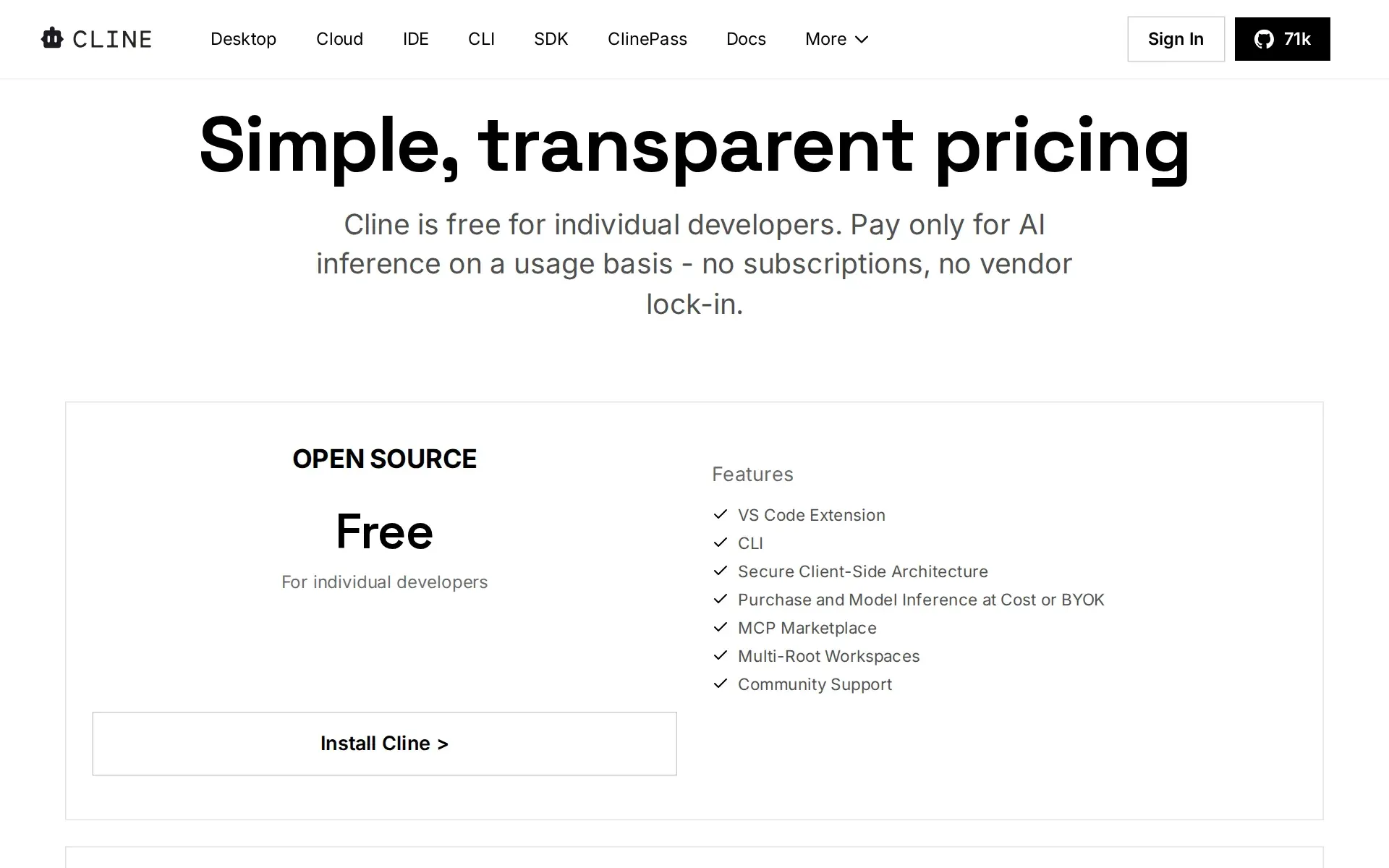
- YesYesThe open-source extension and CLI are free for individual developers indefinitely
The terms in full
you supply either your own provider key or Cline credits. Rotating, limited-time promotional models can be used at no cost up to an unnamed quota, after which you switch to ClinePass or pay-as-you-go credits.
What needs a higher plan
- Enterprise
- A company can buy it, Seat model, Pooled budget, Admin controls, Audit log, Single sign-on
Checked .
The Agents Index digest
Price changes and new agents like Cline, at most once a week.
Last issue: Devin vs Claude Code: Which Should You Pick? · 13 October 2026
Works with
 Claude
 GPT
GPT- YesOpen models
For AI agents
- MCP server
- Partly
- API
- Yes
Screenshots
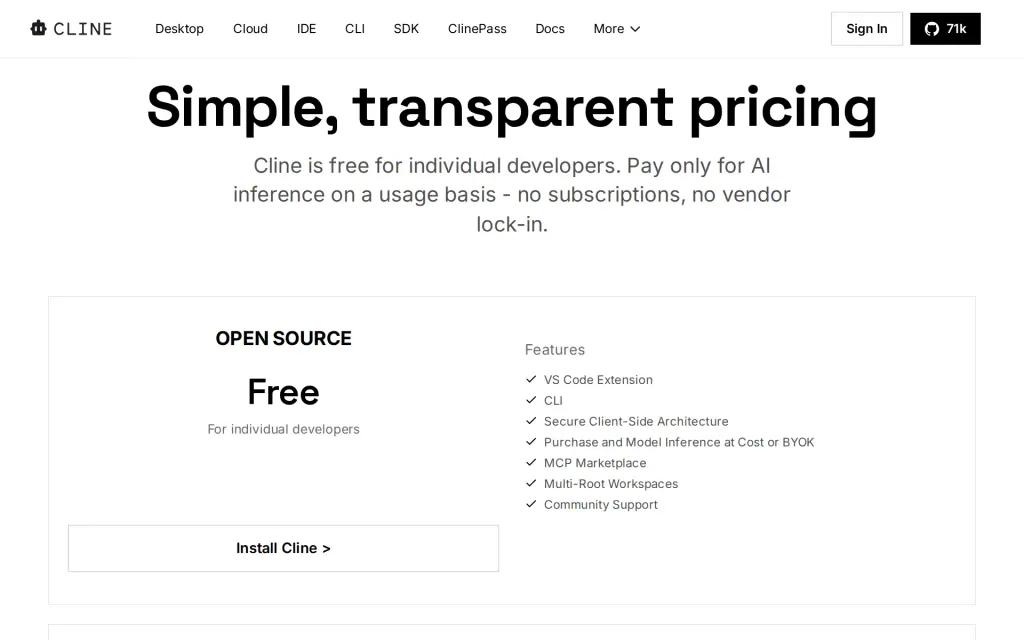
Pricing page, cline.bot, captured 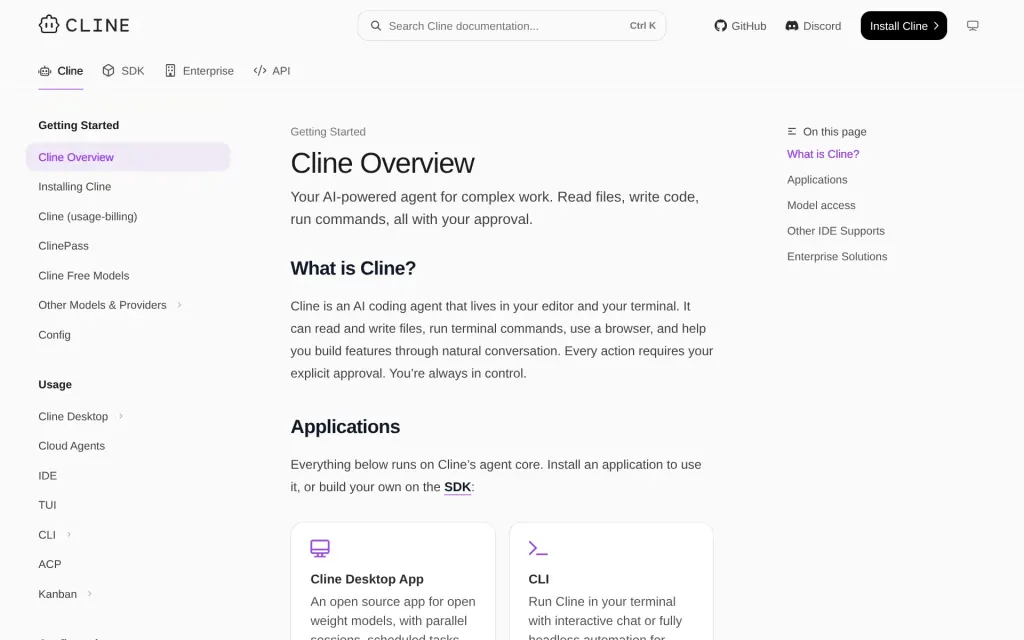
Docs, cline.bot, captured
Filed under
Sources and updates
Last changed
Sources33
- cline.bot/
- cline.bot/pricing
- docs.cline.bot/cline-overview
- docs.cline.bot/enterprise-solutions/overview
- cline.bot/faq
- cline.bot/enterprise
- docs.cline.bot/cli/samples/github-pr-review
- cline.bot/cline-pass
- docs.cline.bot/enterprise-solutions/team-management/managing-members
- docs.cline.bot/usage/cli-overview
- docs.cline.bot/usage/kanban
- docs.cline.bot/api/overview
- docs.cline.bot/cli/agent-teams
- docs.cline.bot/enterprise-solutions/api-reference
- docs.cline.bot/enterprise-solutions/configuration/infrastructure-configuration/control-other-cline-features/mcp-server-controls
- docs.cline.bot/enterprise-solutions/configuration/infrastructure-configuration/control-other-cline-features/yolo-mode
- docs.cline.bot/enterprise-solutions/configuration/remote-configuration/overview
- docs.cline.bot/enterprise-solutions/monitoring/prompt-storage
- docs.cline.bot/enterprise-solutions/onboarding
- docs.cline.bot/enterprise-solutions/sso-setup
- docs.cline.bot/features/auto-approve
- docs.cline.bot/getting-started/authorizing-with-cline
- docs.cline.bot/kanban/core-workflow
- docs.cline.bot/mcp/mcp-overview
- cline.bot/privacy
- docs.cline.bot/provider-config/anthropic
- docs.cline.bot/provider-config/openai
- api.github.com/repos/cline/clineRepository
- docs.cline.bot/running-models-locally/overview
- cline.bot/sdk
- docs.cline.bot/sdk/guides/multi-agent-teams
- docs.cline.bot/sdk/overview
- cline.bot/tos
Repository30 August 2026
- Licence
- Apache-2.0
- Stars
- 67,160
- Forks
- 7,251
- Last push
- 30 August 2026
Coverage elsewhere1
The Agents Index in AI answers0 of 1
- PerplexityDoes not cite The Agents IndexAsked
Cline alternatives
on Other sources: alternativeto.net, fast.io, openalternative.co, emergent.sh, g2.com, toolradar.com
Updates5
- Capabilities · Free tier · Terms
- Capabilities · Free tier · Terms
- Capabilities · Free tier · Price · Terms
- Alternatives · Crunchbase link · LinkedIn link · Summary · Tagline
- Summary
Is this yours? Claim it free and edit it in your dashboard, or feature it in Coding agents.