
Not for Enterprise teams that require a vendor-certified, cloud-managed tool with SOC 2 Type II or ISO/IEC 42001 compliance out of the box, since Aider is self-managed open-source software with no such certification path
Changed since our last check
- Writes tests: now Partly. It was Yes when we checked on .
- Ships it: now No. It was Partly when we checked on .
- Opt out of training: now Yes. It was Partly when we checked on .
The facts, with their sources
What it does
- Writes code
- YesNatural-language requests at the terminal prompt produce edits to named files, and it will create files that do not exist yet, so new code is authored from a description.
At the aider > prompt, ask for code changes and aider will edit those files to accomplish your request.
aider.chat/docs/usage.html - Debugs and fixes
- YesIt runs your lint and test commands after edits and iterates on the failures it sees, so a diagnosed failure is followed by an attempted fix rather than only a report.
Aider will try and fix any errors if the command returns a non-zero exit code.
aider.chat/docs/usage/lint-test.html - Writes tests
- PartlyThe vendor advertises asking it for test cases, but every documented testing feature is about running your existing test command and repairing failures, not a dedicated test-generation workflow.Was Yes before our last check.
Request new features, test cases or bug fixes using your voice and let aider implement the changes.
aider.chat - Reviews code
- PartlyReview works by piping a diff into the chat yourself with /run git diff or --read and then asking in ask mode; there is no pull-request integration that reviews someone else's diff automatically.
You can also use aider to review PR branches:
aider.chat/docs/faq.html - Whole-codebase work
- PartlyA ranked map of the whole git repo gives it repository-wide context, but the vendor warns performance is not optimised for very large monorepos and only one repo can be open at a time.
Aider will work in any size repo, but is not optimized for quick performance and response time in very large repos.
aider.chat/docs/faq.html - Ships it
- NoThe documented end of the loop is a git commit in your local repo; no page on the site describes deploying, pushing a release or publishing to an environment.Was Partly before our last check.
Aider automatically commits changes with sensible commit messages. Use familiar git tools to easily diff, manage and undo AI changes.
aider.chat - Done-for-you service
- NoYou install and operate the software yourself from pip, uv, pipx or Docker; the site advertises no implementation, consulting or managed-service engagement, only self-service install instructions.
If you already have python 3.8-3.13 installed, you can get started quickly like this.
aider.chat/docs/install.html
How much it does unattended
- Runs autonomously
- PartlyIt can be driven headlessly with a single message and blanket approval so one task completes without a human, but the default interactive mode is pair programming with prompts.
Specify a single message to send GPT, process reply then exit (disables chat mode)
aider.chat/docs/scripting.html - Multi-agent
- PartlyArchitect mode splits one task across two model roles, an architect that proposes and an editor that writes the edits, which is role separation rather than several agents coordinating freely.
An architect model will propose changes and an editor model will translate that proposal into specific file edits.
aider.chat/docs/usage/modes.html - Agent permissions
- PartlyBy default it asks before absorbing command output or adding files and you approve each step, while a single switch removes every confirmation for scripted runs.
--yes Always say yes to every confirmation [env var: AIDER_YES]
aider.chat/docs/scripting.html
Which models it runs on
- Claude
- YesAnthropic Claude is named as one of the models aider works best with, and the quick-start shows launching it with an Anthropic key.
Aider works best with these models, which are skilled at editing code:
aider.chat/docs/llms.html - GPT
- YesOpenAI models are listed among the best-supported engines and have their own provider page, with the entry command shown using an OpenAI key.
Aider works best with Claude 3.7 Sonnet, DeepSeek R1 & Chat V3, OpenAI o1, o3-mini & GPT-4o, but can connect to almost any LLM, including local…
aider.chat - Open models
- YesLocal open-weight models are explicitly supported through Ollama, LM Studio and any OpenAI-compatible endpoint, so inference can stay on your own hardware.
Aider can work also with local models, for example using Ollama.
aider.chat/docs/llms.html - Model choice
- YesYou choose the model per session with --model and can switch mid-chat with /model, and the vendor claims connectivity to almost any LLM rather than a fixed engine.
Or you can run aider --model XXX to launch aider with another model. During your chat you can switch models with the in-chat /model command.
aider.chat/docs/usage.html
Where you use it
- In your editor
- PartlyThere is no editor plugin; instead a file watcher picks up AI comments you type in whatever IDE you use, so the agent itself still runs as a separate terminal process.
If you run aider with --watch-files, it will watch all files in your repo and look for any AI coding instructions you add using your favorite IDE or…
aider.chat/docs/usage/watch.html - On the command line
- YesThe terminal is the primary and default surface: you launch aider with filenames and talk to it at its own prompt in the shell.
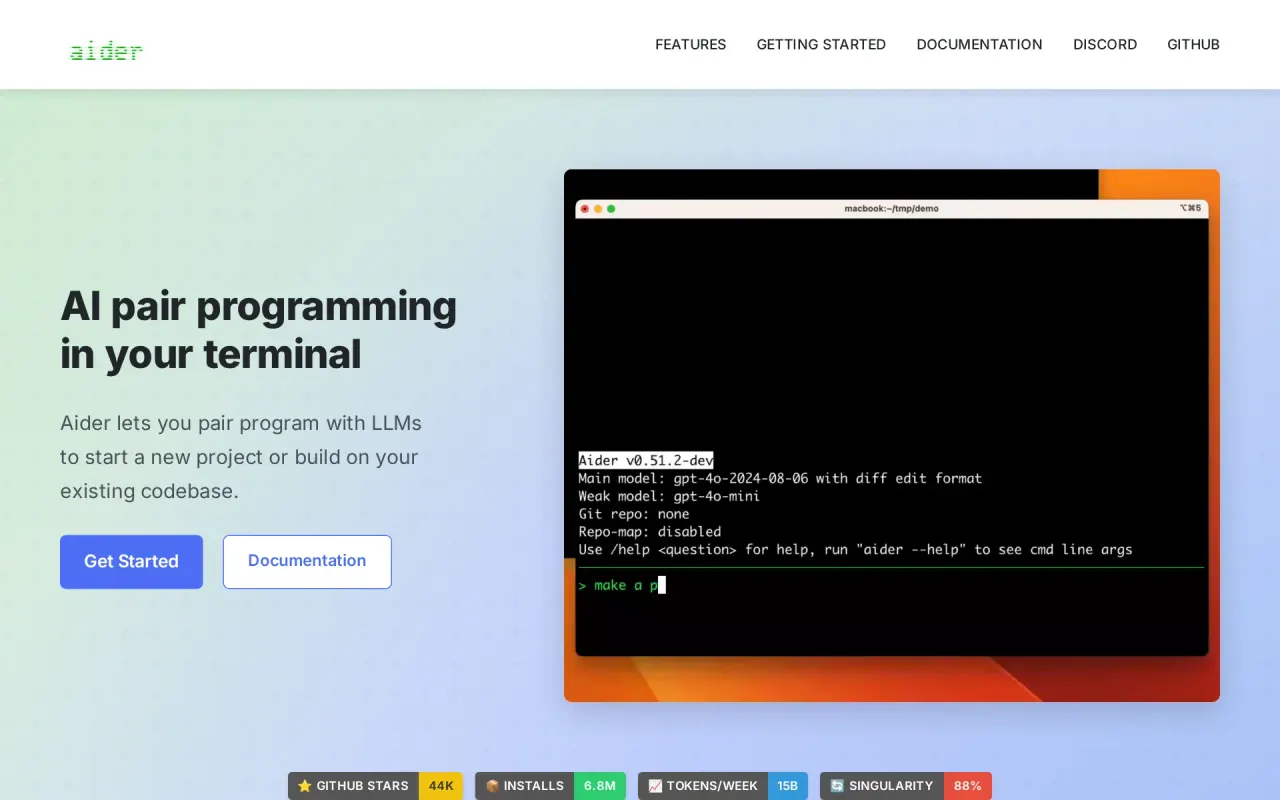
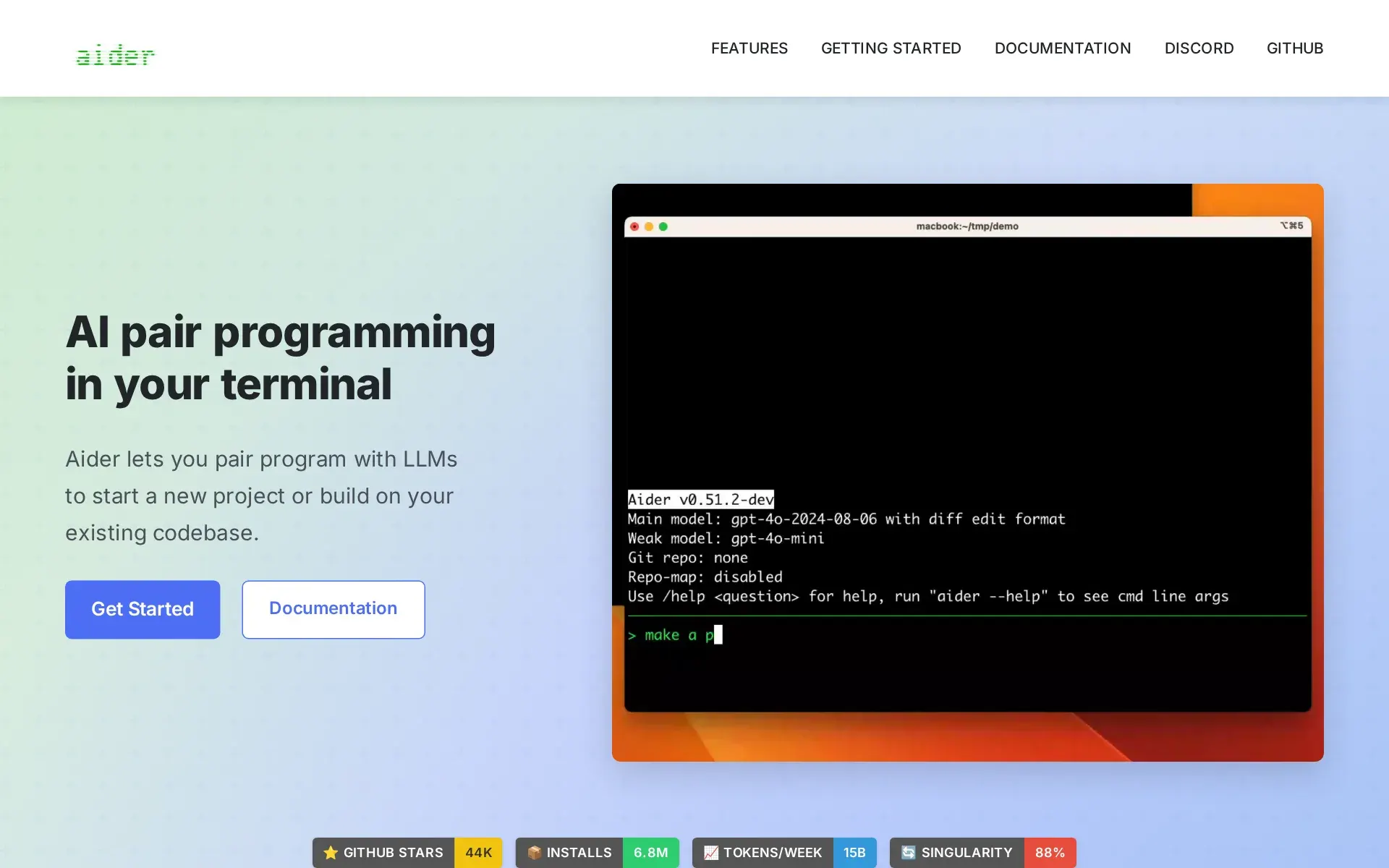
Aider lets you pair program with LLMs to start a new project or build on your existing codebase.
aider.chat - In your pipeline
- PartlyNon-interactive runs are scriptable from a shell loop with --message and --yes, but nothing on the site documents acting on a pull request or a hosted CI integration.
Or you can write simple shell scripts to apply the same instruction to many files:
aider.chat/docs/scripting.html - In a browser
- PartlyA browser UI exists but the vendor labels it experimental, and it is a local server you start yourself rather than a hosted web product.
Use aider's new experimental browser UI to collaborate with LLMs to edit code in your local git repo.
aider.chat/docs/usage/browser.html
Whose machine it runs on
- Self-hosted
- YesAider is installed on your own machine with pip, uv, pipx or Docker and edits files in your local repo, so there is no vendor runtime to depend on.
This will install aider in its own separate python environment.
aider.chat/docs/install.html - Open source
- YesThe company behind the tool states the source is on GitHub under a permissive Apache 2.0 licence, and documents running and modifying it from source.
Aider is open source and available on GitHub under an Apache 2.0 license.
aider.chat/docs/faq.html
What it costs to run
- How it meters
- PartlyThe tool itself costs nothing; what you pay is token consumption at whichever LLM provider your key belongs to, and the docs treat context size as a direct cost to you.
Addings extra files will also increase your token costs.
aider.chat/docs/faq.html - Free tier
- YesThere is no paid plan, account or sales call anywhere on the site: you pip-install Apache 2.0 licensed software, and the docs even point at free LLM providers to run it with.
Aider works with a number of free API providers:
aider.chat/docs/llms.html - API access
- PartlyYou can drive it from your own stack via the CLI or a Python Coder object, but the vendor states the Python API is neither supported nor documented and may break between releases.
The python scripting API is not officially supported or documented, and could change in future releases without providing backwards compatibility.
aider.chat/docs/scripting.html - MCP server
- NoNo MCP server or client: the options reference is presented as the complete list of aider's switches and contains none, and MCP appears nowhere in the docs or the site's 132-URL sitemap, so another agent cannot query it that way.
You can use aider --help to see all the available options, or review them below.
aider.chat/docs/config/options.html - Bring your own key
- YesInference is always your own: the tool ships no bundled model and documents four ways to supply your provider key, including any OpenAI-compatible or local endpoint.
Aider lets you specify API keys in a few ways: On the command line As environment variables In a .env file In your .aider.conf.yml config file
aider.chat/docs/config/api-keys.html
Buying it for a team
- A company can buy it
- NoNothing is for sale: no pricing page, no plans, no enterprise tier. An organisation adopts it under the Apache 2.0 licence.aider.chat/docs/faq.html
- Seat model
- NoNot licensed per seat at all, so no floor and no ceiling; each developer installs it and pays their own model provider.aider.chat/docs/faq.html
- Admin controls
- PartlyBehaviour can be constrained per machine or per repo, disabling shell-command suggestions, auto-commits or git entirely, plus .aiderignore and a checked-in YAML config, but there is no org-level console enforcing policy across users.
--suggest-shell-commands Enable/disable suggesting shell commands (default: True)
aider.chat/docs/config/options.html - Audit log
- PartlyIts actions are traceable through git, which tags authored and committed changes with '(aider)', and local chat, LLM and analytics logs can be written to files, but there is no tamper-resistant administrative audit trail.
Aider marks commits that it either authored or committed.
aider.chat/docs/git.html - Single sign-on
- NoThere is no account to sign in to: install is two shell commands and the only credential is your model provider's API key.
python -m pip install aider-install aider-install
aider.chat/docs/install.html
What happens to your code
- Opt out of training
- YesThe vendor states its telemetry never touches your code, prompts or keys, analytics are opt-in only, and one command disables collection permanently.Was Partly before our last check.
Analytics are only collected if you agree and opt-in. Aider respects your privacy and never collects your code, chat messages, keys or personal info.
aider.chat/docs/more/analytics.html - Data residency
- PartlyYour code stays on your own machine because the tool edits local files, but the vendor's own services and any analytics it receives are hosted in the United States with no regional choice offered.
Our Services are hosted in the United States and intended for visitors located within the United States.
aider.chat/docs/legal/privacy.html - Getting out
- YesNothing is locked in a vendor store: edits land as commits in your own git repo and the chat transcript is a plain markdown file you can copy, and there are no credits that could expire.
Copy the markdown logs you want to share from .aider.chat.history.md and make a github gist.
aider.chat/docs/faq.html
Plans and pricing
Price and terms
- Free plan
- YesYesThe tool itself is free Apache 2.0 software with no plans or seats
The terms in full
Your only cost is LLM inference at your own provider; the docs point to free API providers such as OpenRouter free models, noting "with limitations on daily usage".
Checked .
The Agents Index digest
Price changes and new agents like Aider, at most once a week.
Last issue: Devin vs Claude Code: Which Should You Pick? · 13 October 2026
Works with
 Claude
 GPT
GPT- YesOpen models
For AI agents
- MCP server
- No
- API
- Partly
Screenshots
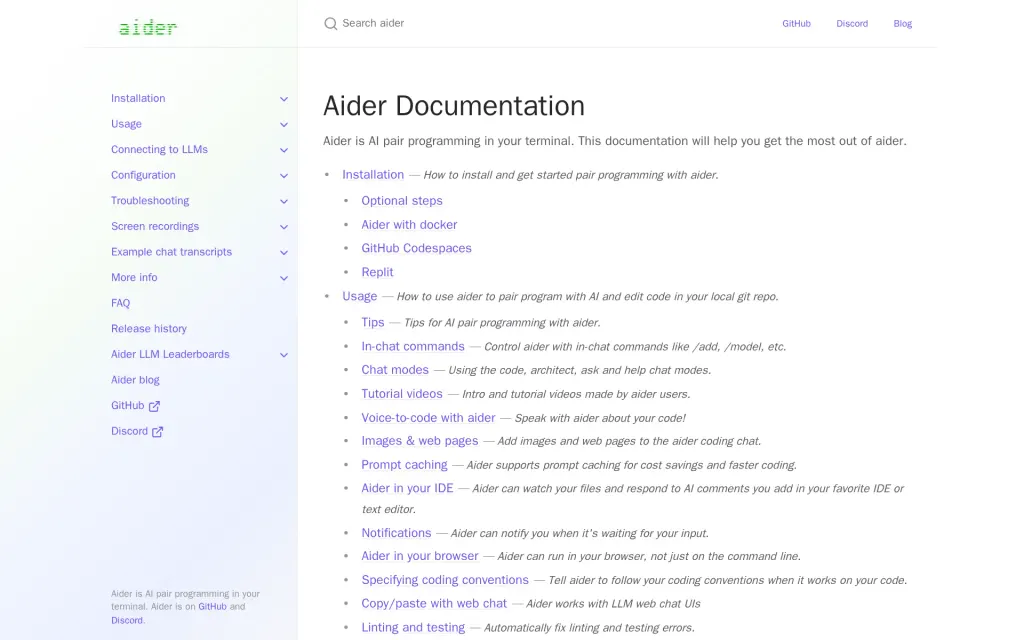
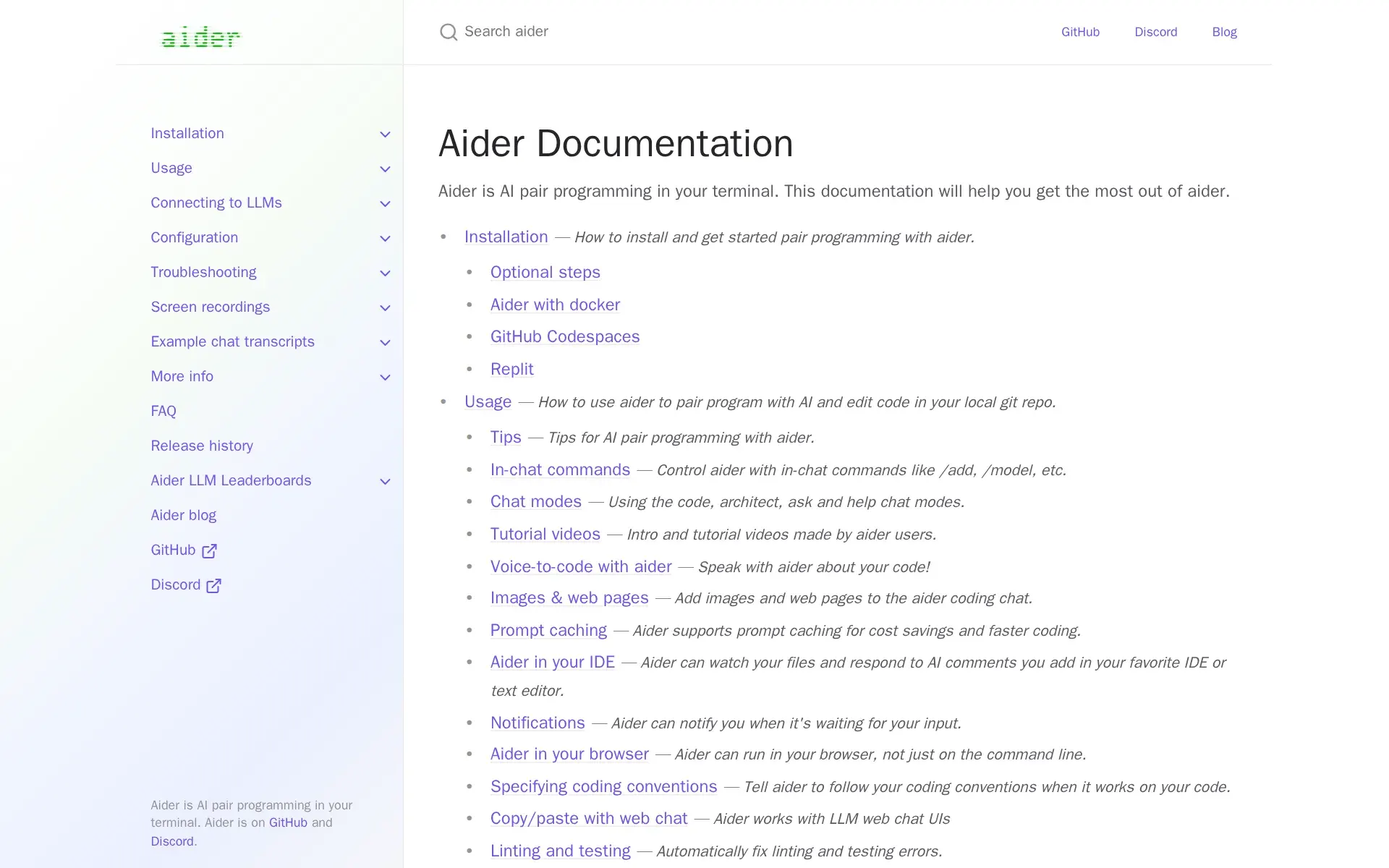
Docs, aider.chat, captured
Filed under
Sources and updates
Last changed
Sources22
- aider.chat/docs/faq.html
- aider.chat/
- aider.chat/docs/config/options.html
- aider.chat/docs/install.html
- aider.chat/docs/llms.html
- aider.chat/docs/scripting.html
- aider.chat/docs/usage.html
- aider.chat/docs/config/api-keys.html
- aider.chat/docs/git.html
- aider.chat/docs/config.html
- aider.chat/docs/install/docker.html
- aider.chat/docs/legal/privacy.html
- aider.chat/docs/llms/ollama.html
- aider.chat/docs/llms/other.html
- aider.chat/docs/more/analytics.html
- aider.chat/docs/recordings
- aider.chat/docs/usage/browser.html
- aider.chat/docs/usage/lint-test.html
- aider.chat/docs/usage/modes.html
- aider.chat/docs/usage/watch.html
- aider.chat/examples/add-test.html
- api.github.com/repos/Aider-AI/aiderRepository
Repository30 August 2026
- Licence
- Apache-2.0
- Stars
- 48,601
- Forks
- 4,900
- Last push
- 22 May 2026
Coverage elsewhere1
The Agents Index in AI answers0 of 1
- PerplexityDoes not cite The Agents IndexAsked
Aider alternatives
on Other sources: stackpick.net, libhunt.com, toolradar.com, tooljunction.io, g2.com, openalternative.co
Updates6
- Capabilities · Free tier · Terms
- Capabilities · Free tier · Price · Terms
- Capabilities · Free tier · Terms
- Capabilities · Free tier · Links · Terms
- Capabilities · Links
- Summary · Tagline
Is this yours? Claim it free and edit it in your dashboard, or feature it in Coding agents.